Source
The Sources panel hosts one card per input source. This page covers the panel mechanics that are the same for every source; for the details of each individual source, follow the link in the table.
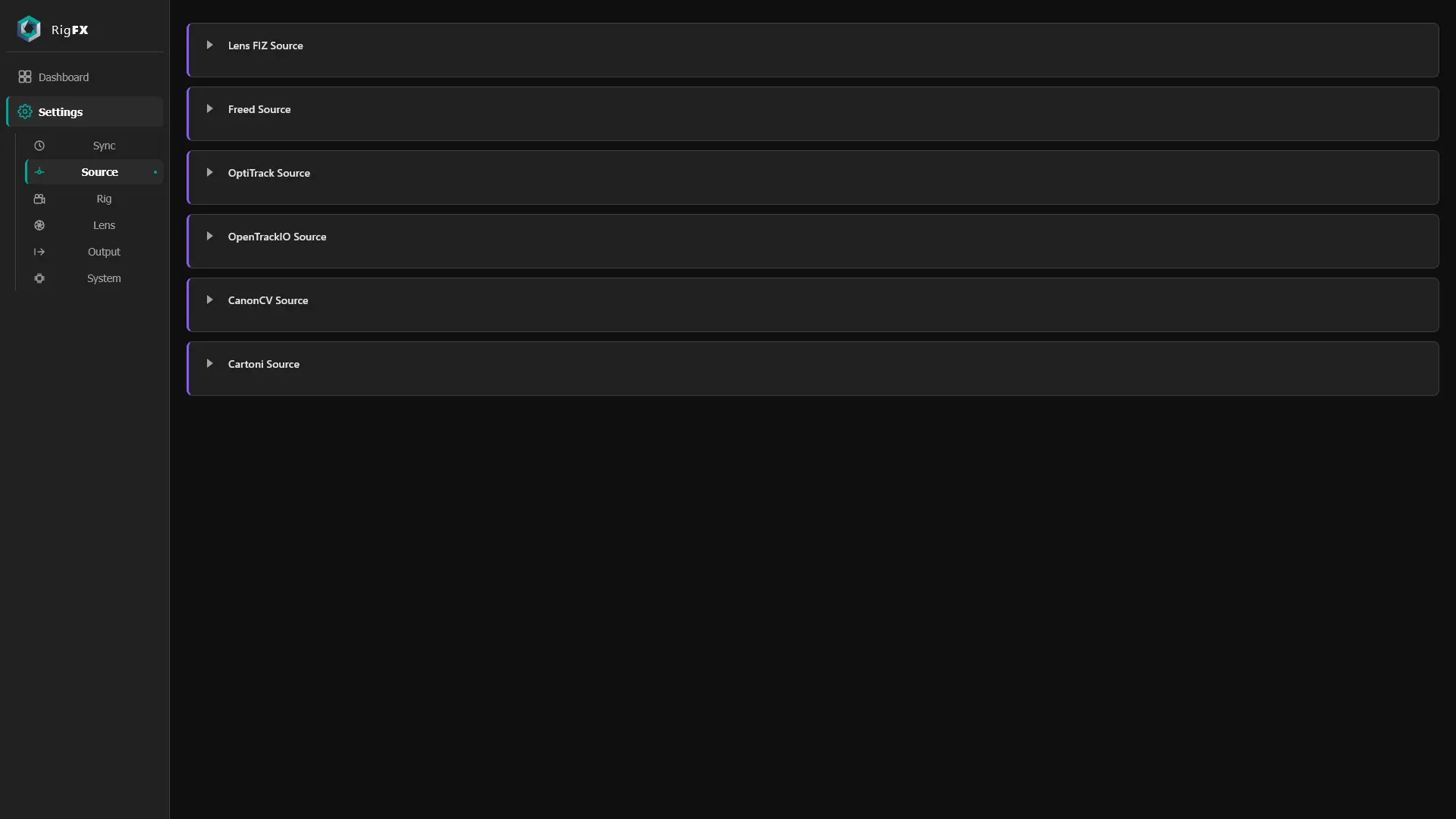
Card anatomy
Every source card has the same building blocks:
- Status LED — green when the source is connected and receiving data; orange / off otherwise.
- Enable toggle — turns the source on/off.
- Source-specific fields — IP, port, channel mapping, etc. (these differ per source).
- Reception graph — view data reception of the source against the genlock rate of the device.
When a card is folded, the green status LED stays visible in its header, as well as a warning flag, so you can see source health at a glance.
Supported sources
| Source | Edition | Use for | Detailed on |
|---|---|---|---|
| Lens FIZ | Lens | Servo FIZ from Canon / Fujinon / Angénieux / cMotion / Preston / Focus&Zoom | Lens edition → FIZ lens source |
| FreeD | Lens | Legacy FreeD D1 pose input | Lens edition → FreeD |
| OpenTrackIO | Lens | Standard OpenTrackIO input (pose, lens, or both) | Lens edition → OpenTrackIO |
| Canon CV | Lens | Canon CV metadata (FIZ + distortion) | Lens edition → Canon CV |
| OptiTrack | OptiTrack | NatNet rigid-body input from Motive | OptiTrack edition → Source |
| Cartoni | Cartoni | 4-channel synchronous encoders (Ejibo, FR7, tripod) | Cartoni edition → Source |
For the data type each source exposes, see Concepts → Sources.
Each source is bundled with its corresponding firmware edition (see Editions).