RigFX
Lens and motion aggregator for virtual production.
Plug your gear in. Get a clean camera-tracking stream out: one hub that fuses lens and motion from any encoder or protocol and streams it, frame-synced, to your render engine.
1 Plug in your trackers Lens encoders and smart lenses, FreeD, OpenTrackIO, Canon CV, and per edition Cartoni, Filmotechnic, Kuper or OptiTrack.
2 Build the rig A kinematic chain turns heads, arms and cranes into one camera pose; a lens file turns FIZ into a calibrated lens.
3 One stream, frame-synced FreeD or OpenTrackIO to up to three render engines, one packet per genlock pulse.
Select the edition you have to see its documentation
1 Select the hardware you have
2 Select its firmware
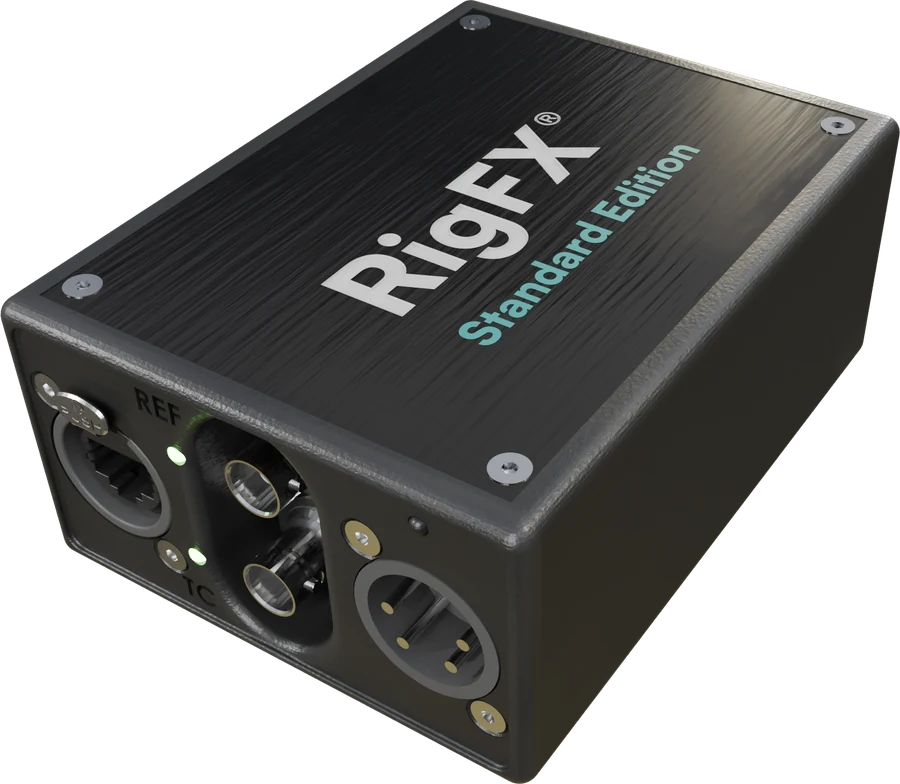
 Standard Lens data only, or trackers that send FreeD / OpenTrackIO (sliders, PTZ cameras such as the Sony FR7)
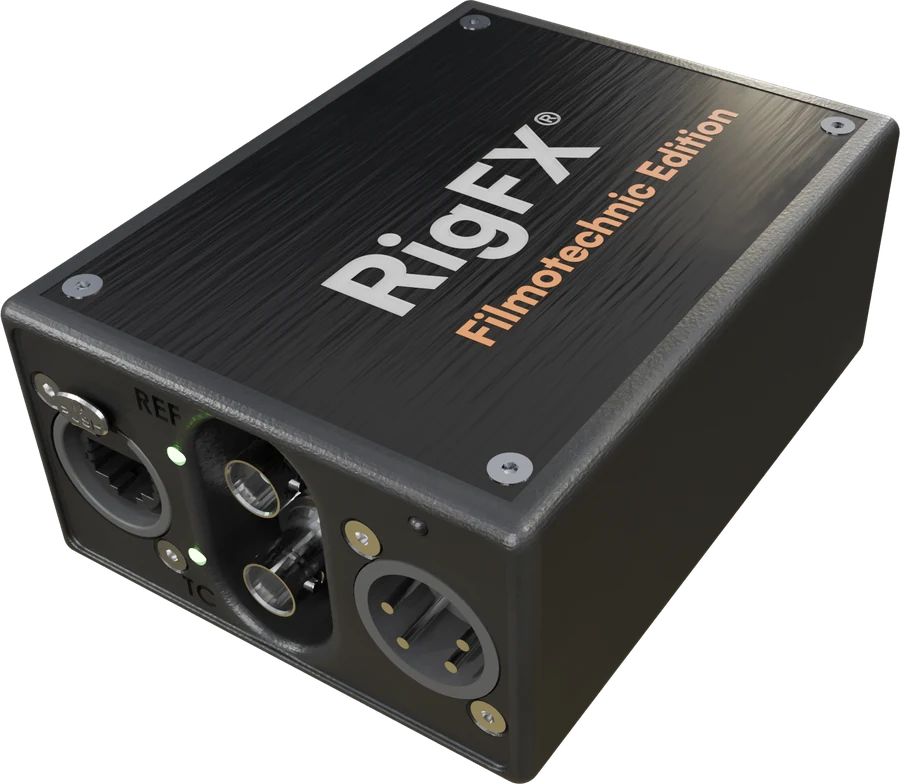 Filmotechnic A Filmotechnic Technoscope crane and Flight Head
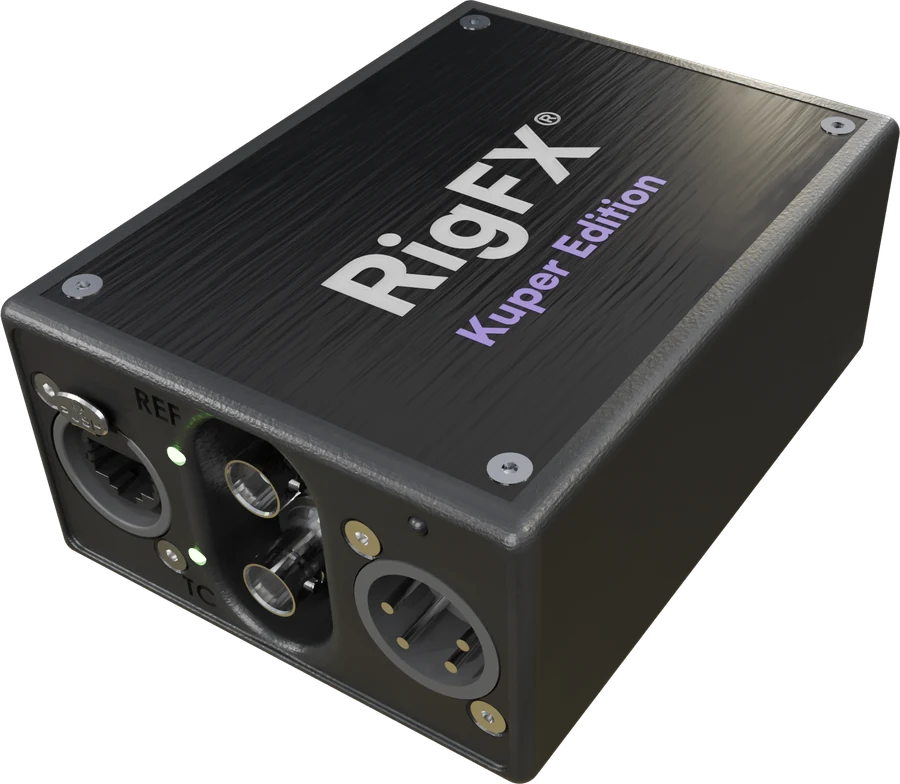 Kuper Kuper motion control, Ravensclaw Talon or Nano heads
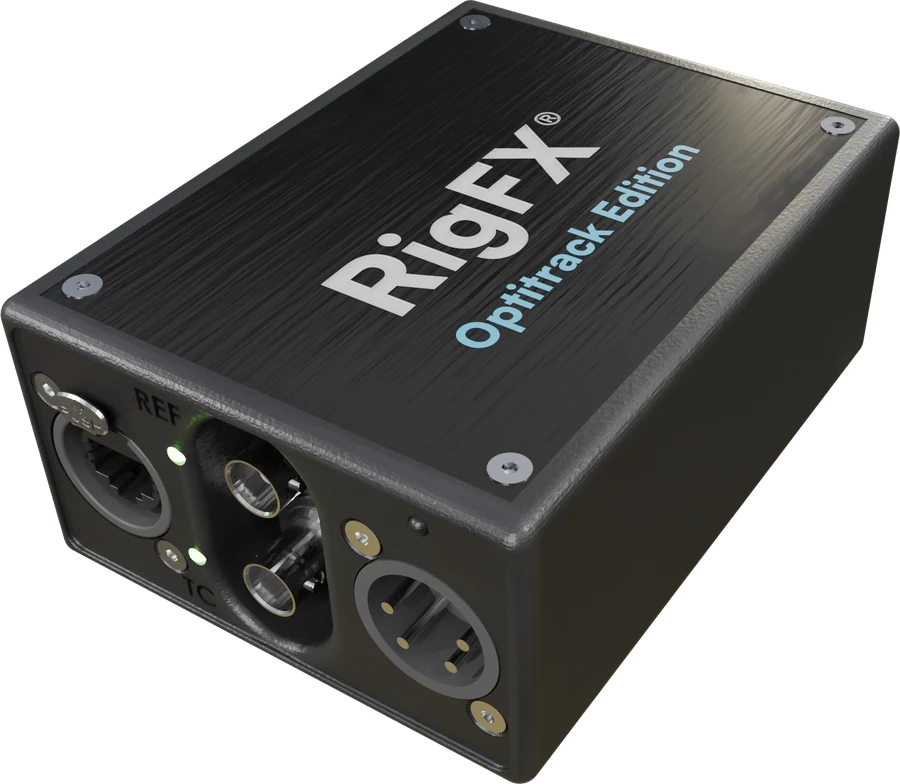 OptiTrack A camera tracked by an OptiTrack system (CinePuck, LED volume)
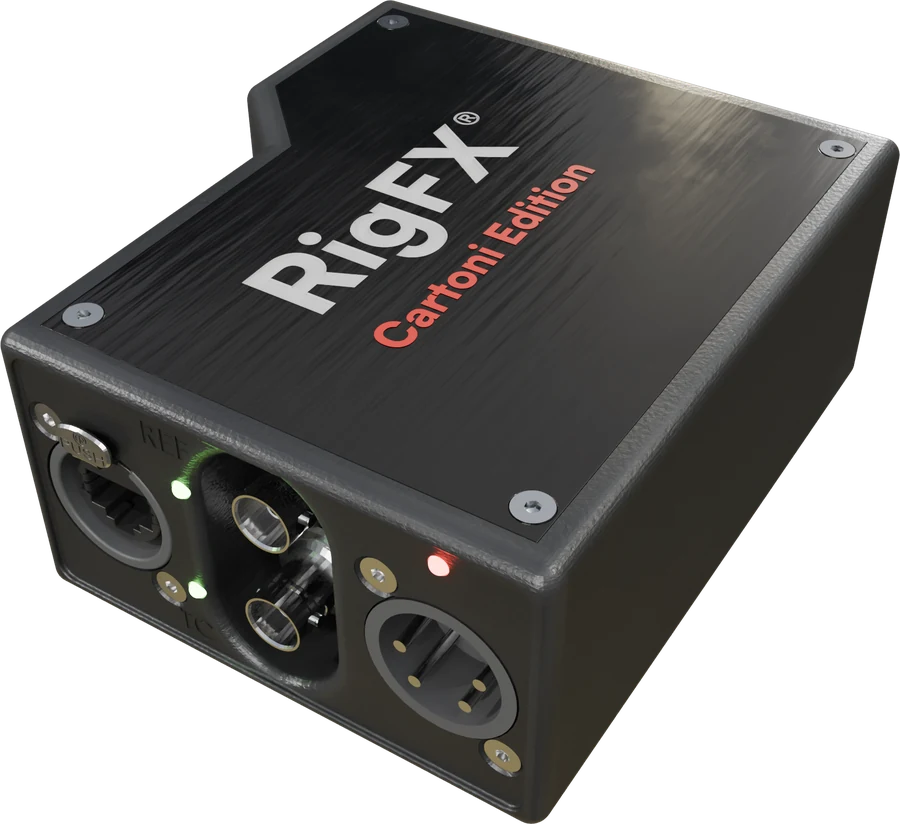 Cartoni
Mix of firmware or custom firmware needed? Contact support@miraxyz.com.
Compare the editions →
See a rig move
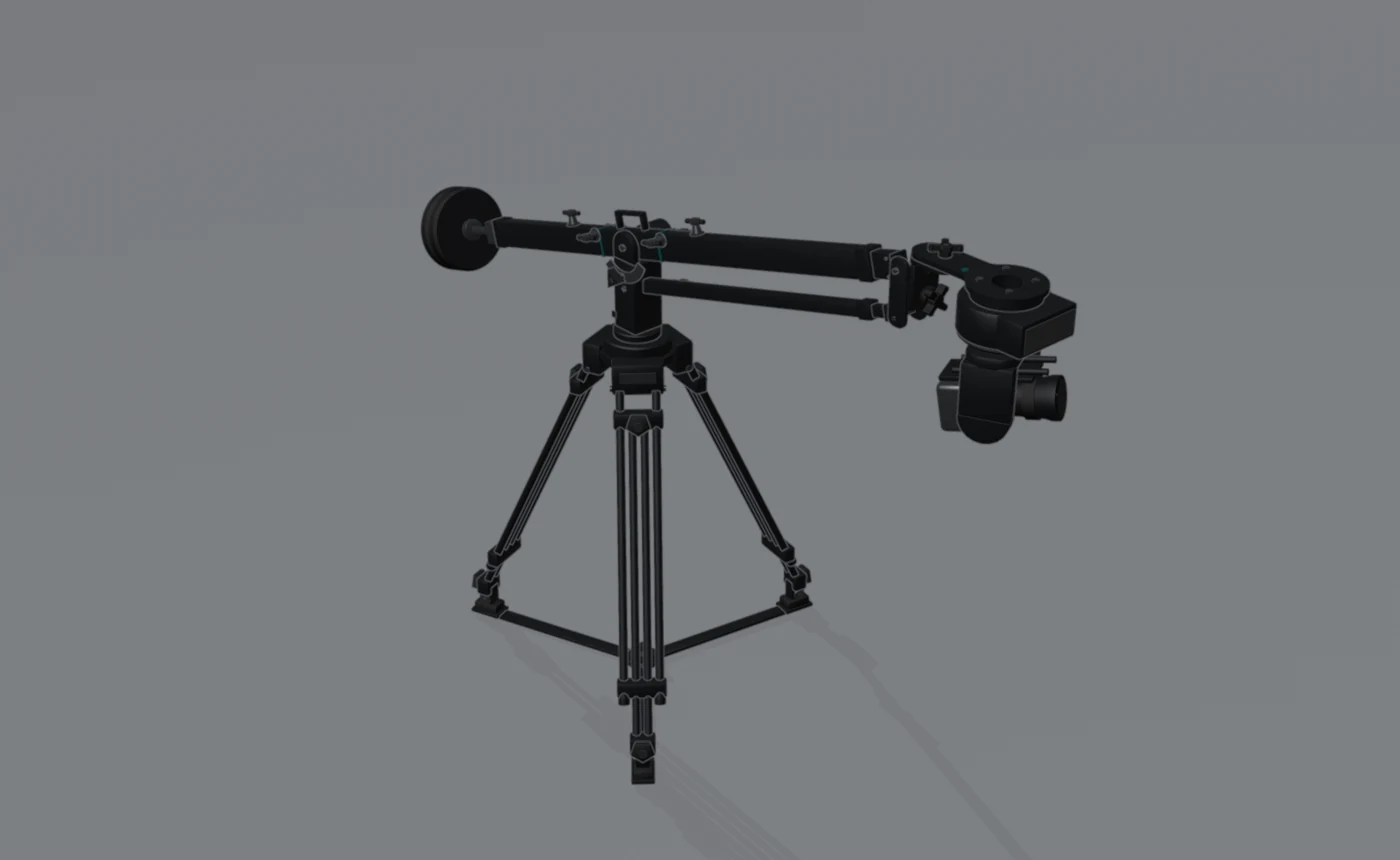
This is not just a nice visual: it is the same 3D view that is built into the RigFX web app, here playing demo motion. On your RigFX it shows your own rig moving live, exactly like this.
The camera looks at your mouse pointer. Drag to turn, scroll to zoom, pick another rig below.
Start here
Get started From unpacking to a tracked camera, in seven steps.
First connection Find the unit on the network and open the web app.
Build your rig Presets, node cards and what to measure.
Firmware update Flash a new version or another edition.
Troubleshooting What to check when something doesn't work.
What's new Every release, newest first.
This documentation describes RigFX firmware 1.12.0, released 2026-10-30.