Firmware Update
There are 2 ways to update the firmware on the device:
- the app RigFX Firmware Updater and USB cable
- on the webapp directly through the System / Update firmware menu
Firmware Tool
Use the RigFX Firmware Updater tool to update the firmware of your RigFX device. This is an .exe running on Windows:
- connect your RigFX device to your main computer via the USB port
- launch the Firmware Update tool
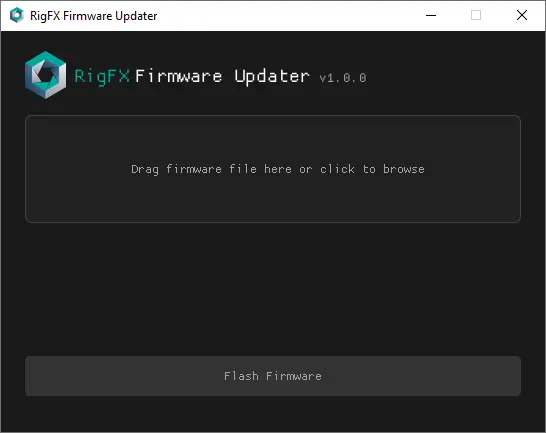
- drag and drop your firmware file (
.hex) here, or click to upload
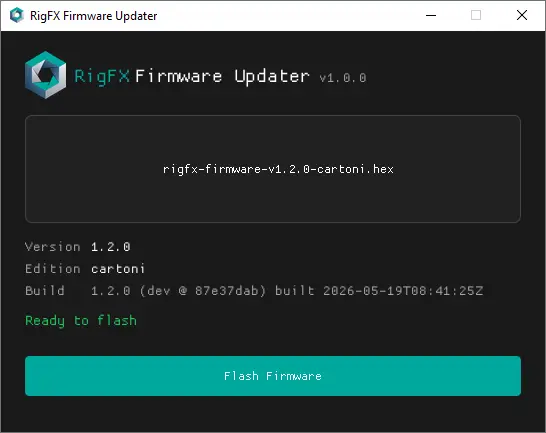
- click on the Flash Firmware button to start the flash process
Do not disconnect the USB or power cable during the flashing process. Doing so may corrupt your device!
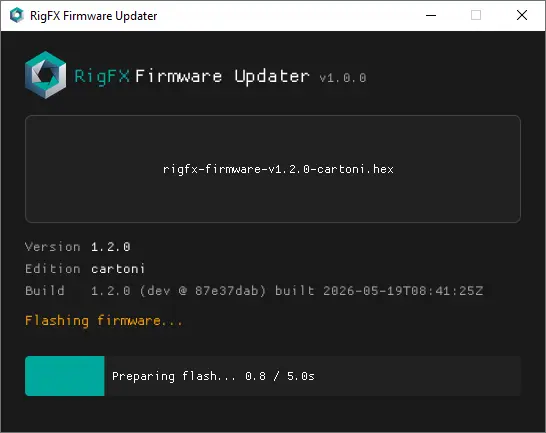
The system displays the progress of the process.
The system will automatically execute a soft reboot.
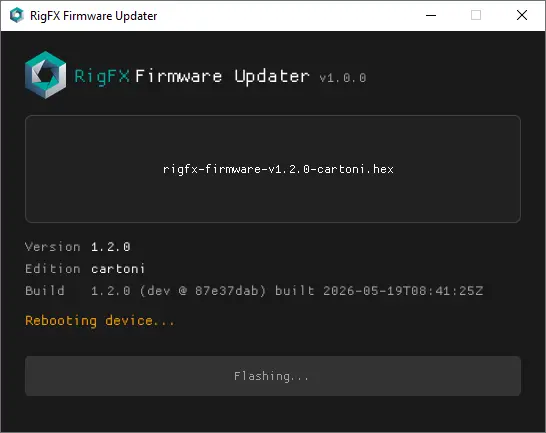
The new firmware is successfully installed!
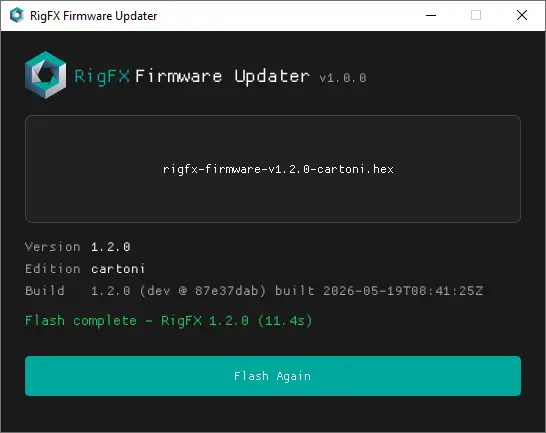
- after completion, disconnect and replug the power cable to apply a hard reboot
Webapp Update Menu
Go to the System panel and click the Update firmware button.
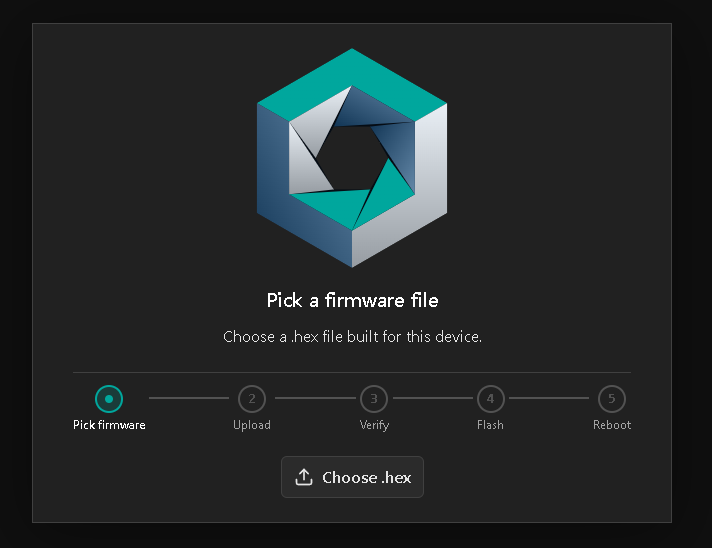
Pick the correct .hex file for your edition (see the firmware artifact row in the Editions table).
Follow the steps to flash the firmware on your device. At the end of the process, the webapp returns to the System page.