First connection
Once RigFX is physically connected (power, network, genlock), the next step is finding it on your network and opening the web UI.
RigFX Network Discovery
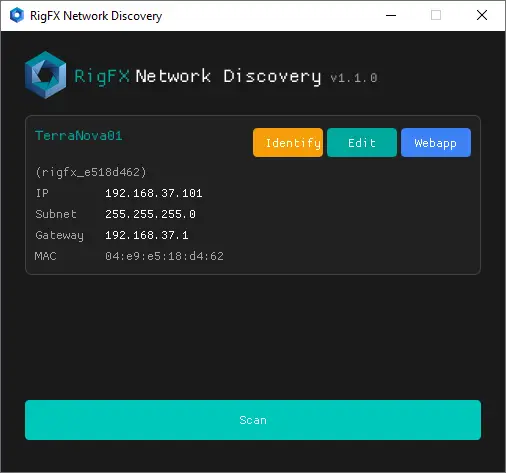
Discovery is a small Windows tool that scans every network interface for RigFX devices and lets you set their IP without touching the box.
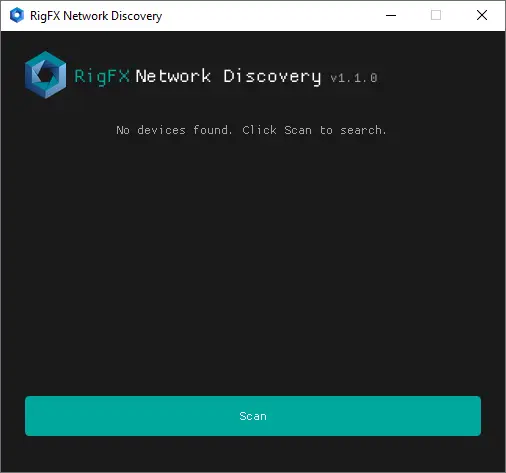
Scan
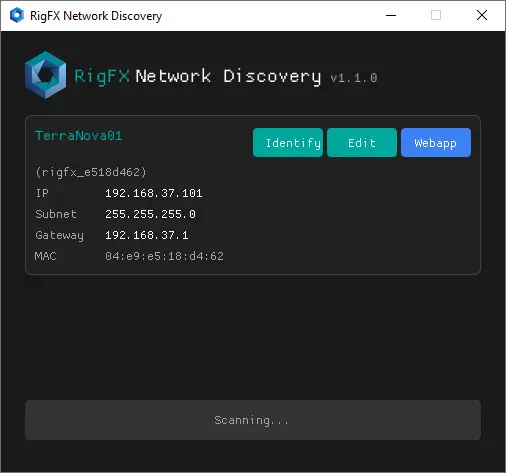
Click Scan. Discovery broadcasts on every interface and lists every RigFX that answers.
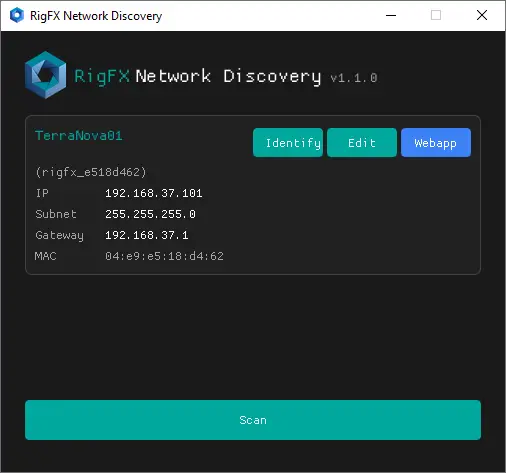
Edit
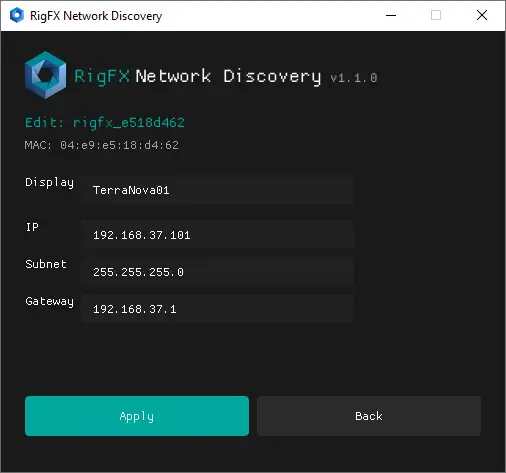
Click Edit on a row to set:
- Display name (friendly label, shown in Discovery and on System)
- IP address
- Subnet mask
- Gateway
Identify
Click Identify to make the unit's LED blink for 5 seconds. Useful for picking the right box out of a rack.
Open the web UI
Click Webapp, or enter the IP into any browser:
http://192.168.XX.XX
The home page loads with live data within ~5 seconds:
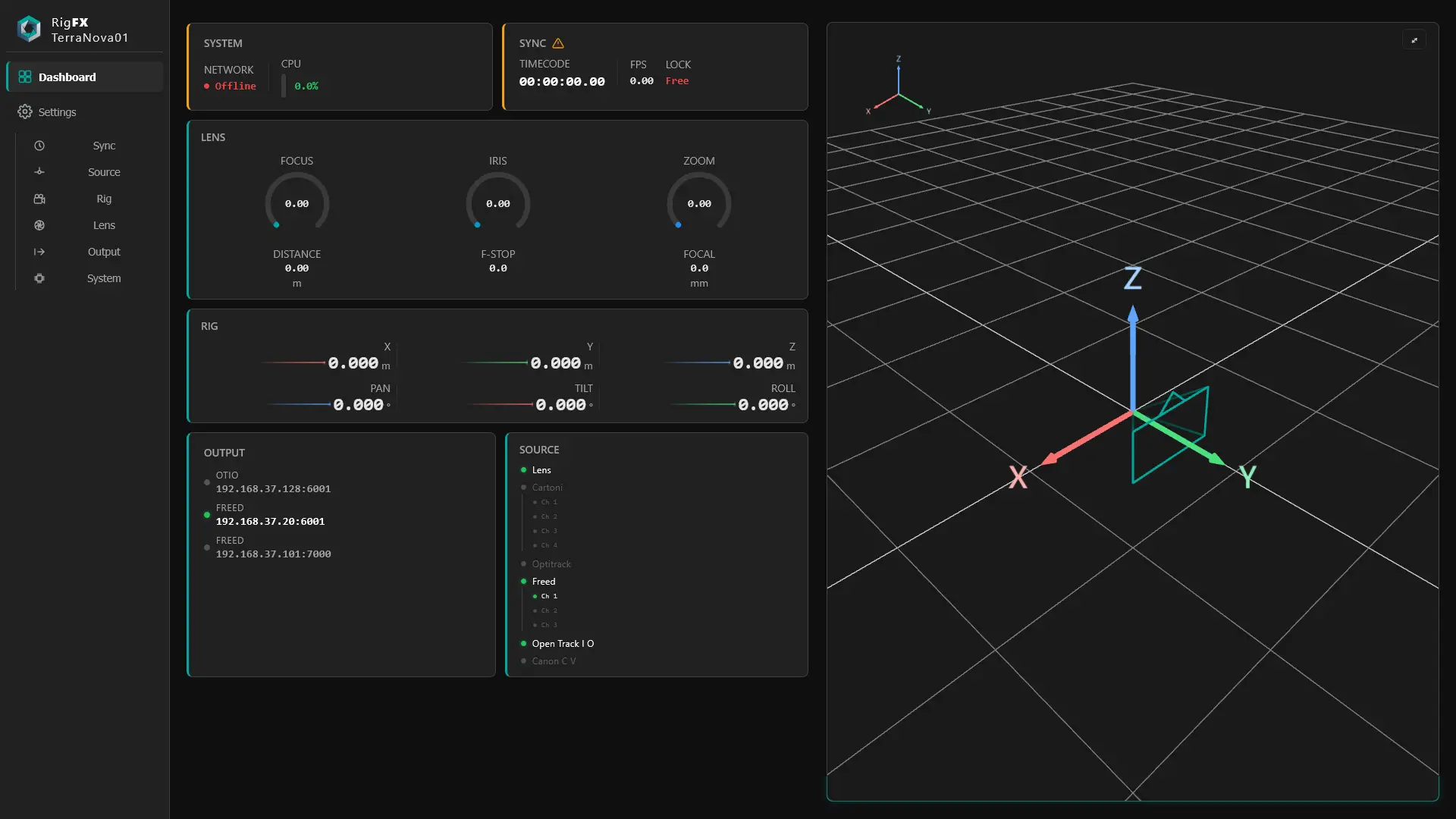
From here, every other web app page applies — see Dashboard, Rig, Lens, Sync, Source, Output, and System.