Lens
The Lens page is where you turn raw FIZ encoder values into resolved lens parameters that your render engine can use, or select a lens source that is already resolved.
Modes
The lens pipeline runs in one of 2 modes — the strategy behind each mode is documented in Reference → Lens pipeline. The short version:
| Mode | What RigFX does | Use when |
|---|---|---|
| FIZ Source + Lens File | Reads FIZ from a source, evaluates the .mrxlens file in-box, outputs resolved metadata. |
You have RigFX-calibrated lens files and want a clean OpenTrackIO stream out. |
| Lens Source | Trusts an upstream source (OpenTrackIO / Canon CV) that already publishes resolved lens metadata. | Your camera or upstream tool provides the lens already calibrated. |
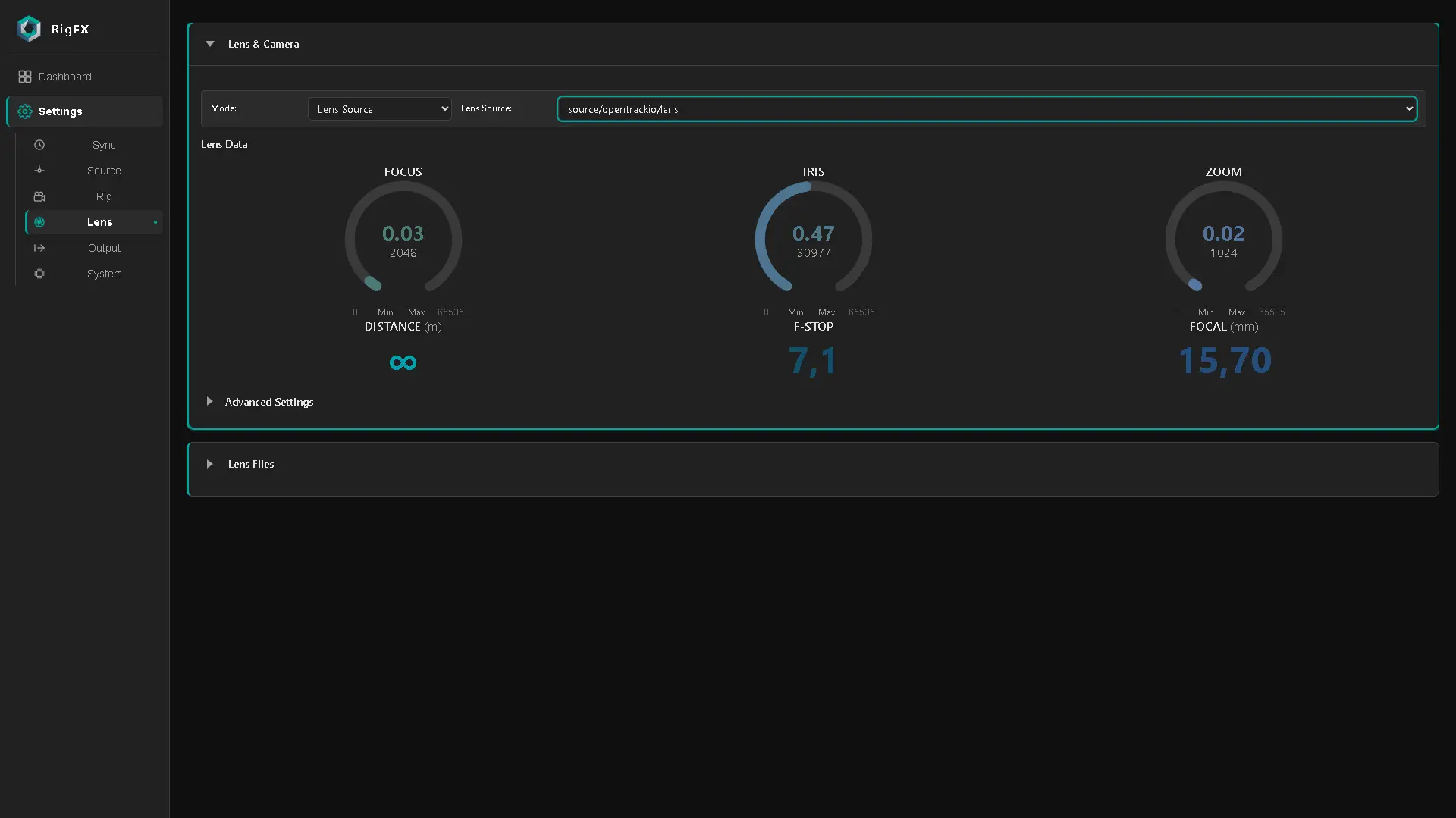
Mode: FIZ Source + Lens File
FIZ source
FIZ stands for Focus, Iris, Zoom encoders — the raw position of each ring on the lens.
FIZ data on its own tells you nothing about the optical properties of the lens, but it can drive a lens file to resolve the actual optical values.
On the lens card you select a FIZ source. It can be:
- Main FIZ lens source — in this source's settings you pick which FIZ unit you are connected to: Canon, Fujinon or Angenieux servo unit, cMotion or Preston follow-focus system, or even external Focus and Zoom encoders.
- FreeD source — FreeD embeds Focus and Zoom encoders. Iris is not officially part of the FreeD protocol.
In Advanced you can override min/max encoder values with custom bounds to make sure you get the full 0–1 normalised range.
Lens files
Up to 8 slots are available for lens calibration files. Lens calibration files use the .mrxlens extension and must be smaller than 20 KB each.
These lens files are produced with the CalibFX Lens solution. Each file contains data about the lens + camera combination:
- focal length
- focus distance
- aperture (f-stop)
- entrance pupil offset
- projection offset (center shift)
- distortion parameters (radial and tangential)
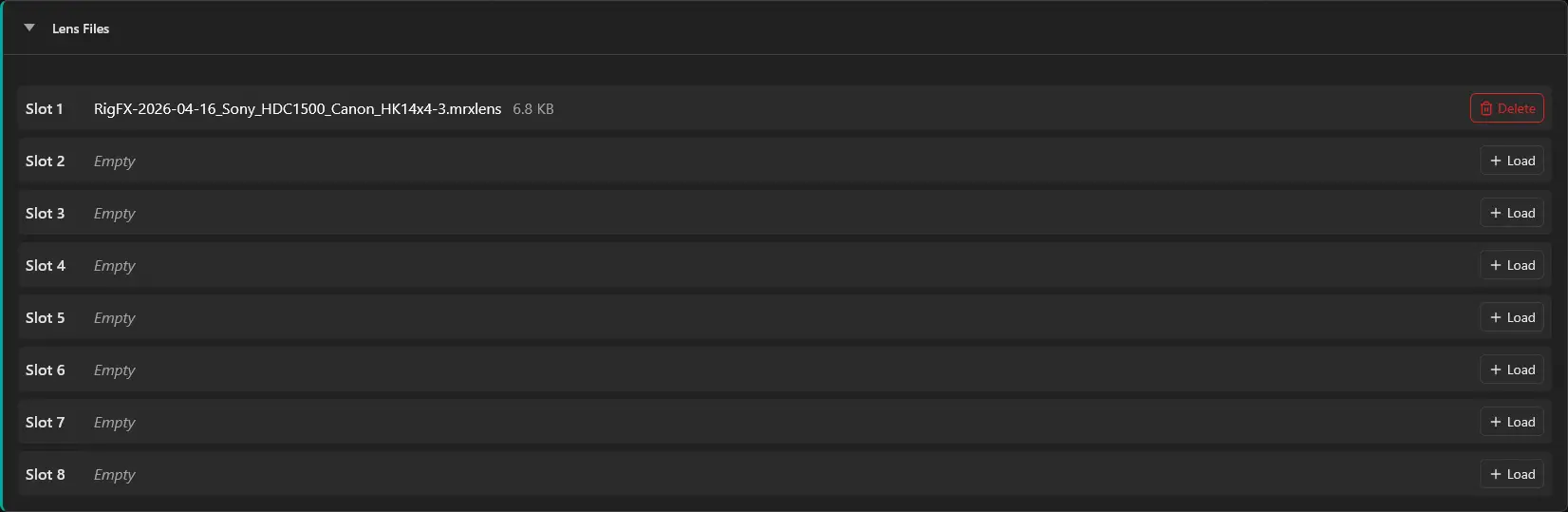
Click Load on an empty slot to upload. Slots persist across reboots.
On the lens card you can then pick one of the filled slots. At runtime the FIZ encoders drive the lens file mapping to dynamically retrieve the optical data of the lens.
Advanced settings
When this panel is unfolded you can see all resolved parameters of the lens. Each parameter can be overridden — click the small pencil icon at the corner of the field. An orange frame appears around the field while the override is active. The override stays on until you click the pencil again.
Lens Source mode
In this mode you pick a source that directly provides calibrated lens data. The available sources are OpenTrackIO and Canon CV — both publish all the fields needed for calibrated lens data, so RigFX passes them through as-is.
Notes
About distortion
RigFX uses the OpenTrackIO convention for the distortion model: Brown-Conrady D-U (distort-to-undistort direction), with radial coefficients in units of mm⁻², mm⁻⁴ and mm⁻⁶.
Outputting FreeD only
Select FIZ Source + Lens File mode, but you can leave the lens file selection empty — the FreeD output only uses encoder values, so the lens file is not needed.