CanonCV
1. On Canon camera
- connect the camera to your network with an ethernet cable
- open the camera menu
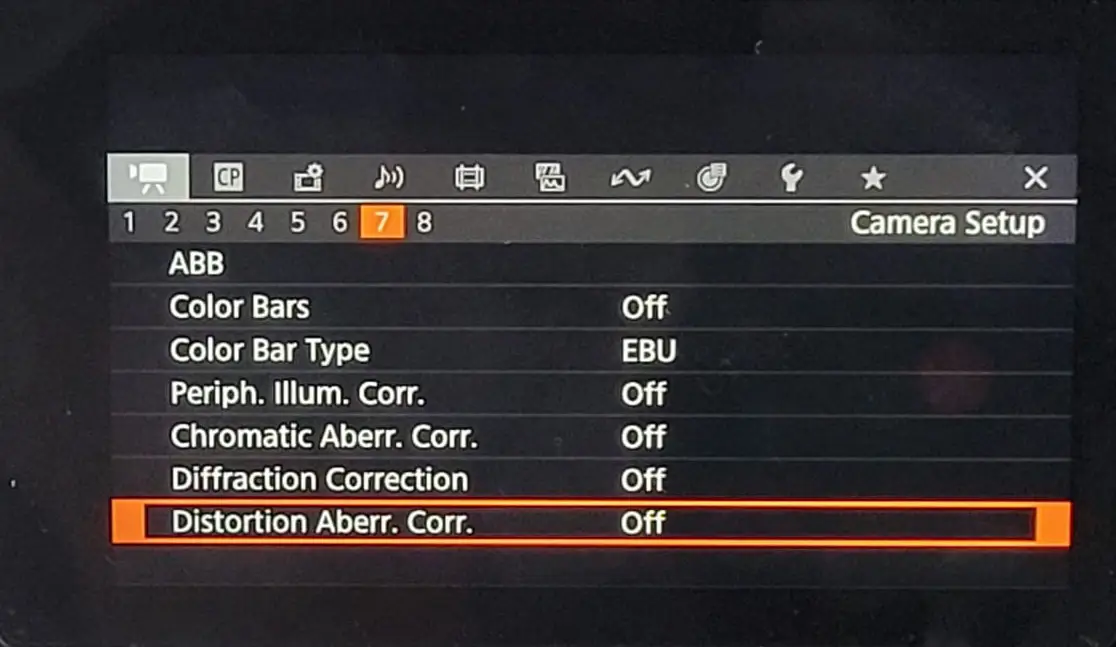
1.1. On Camera Setup
- disable the Distortion abberation correction option (to avoid a sensor crop)
1.2. On Network Settings
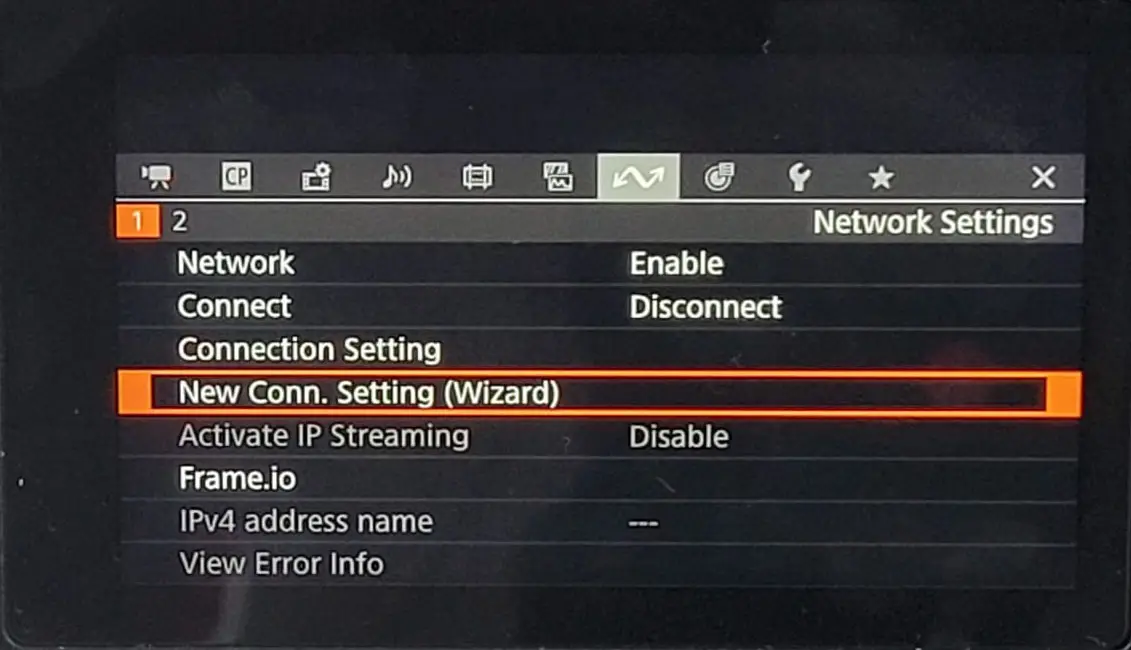
Create the network configuration to transmit canonCV data to RigFX.
- select New Connection Setting (Wizard)
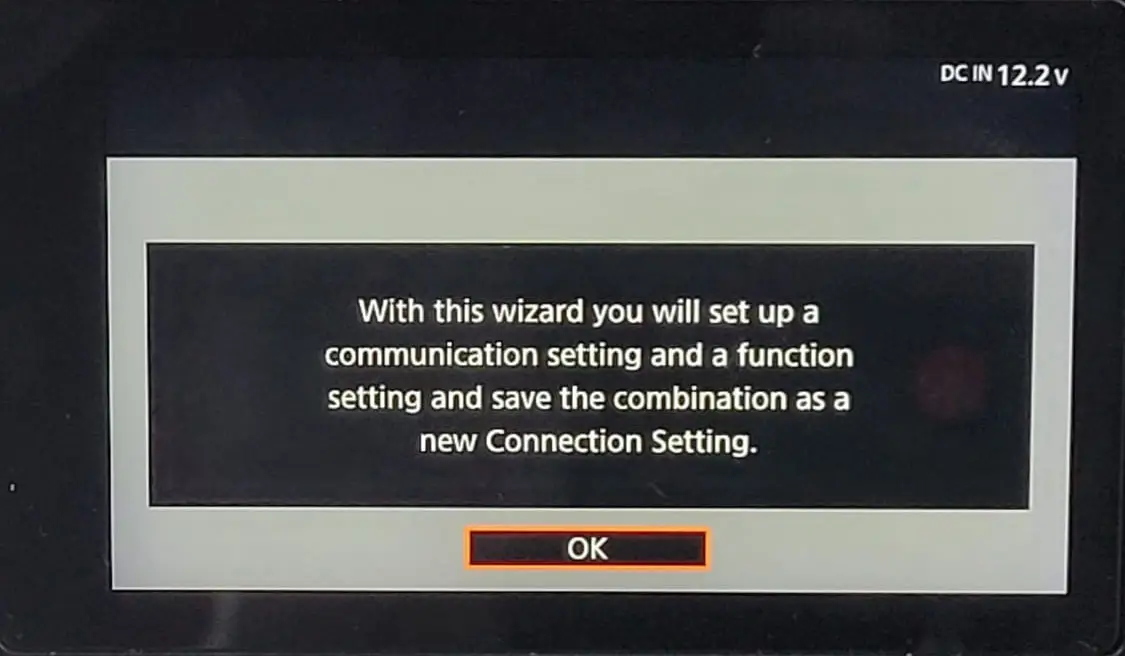
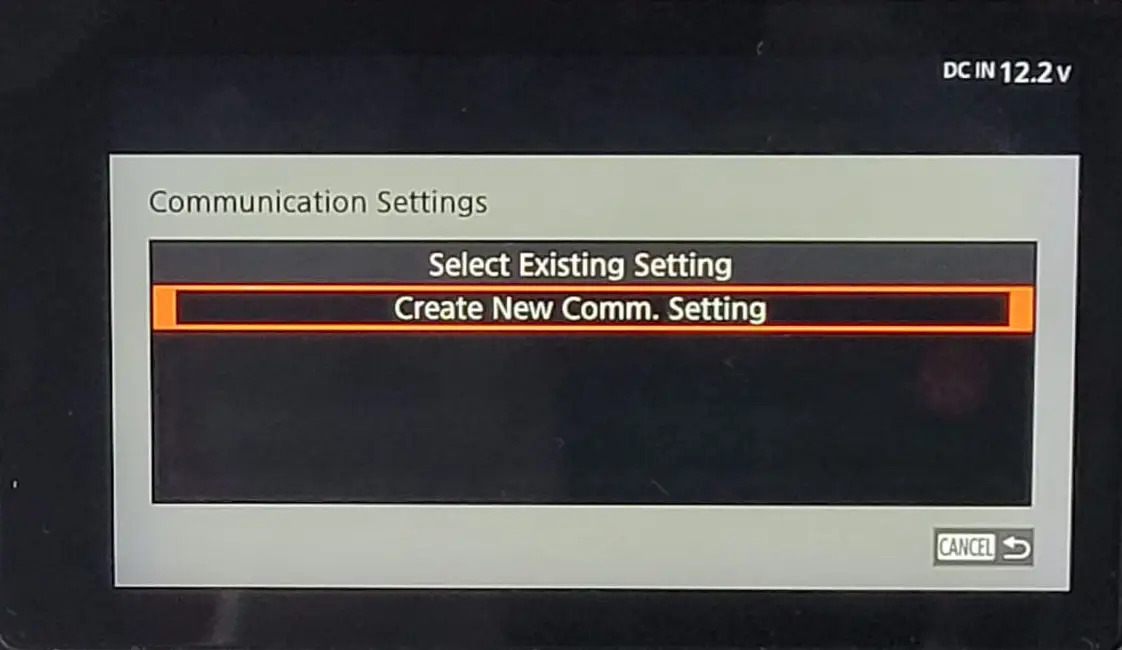
- select the CV Protocol mode
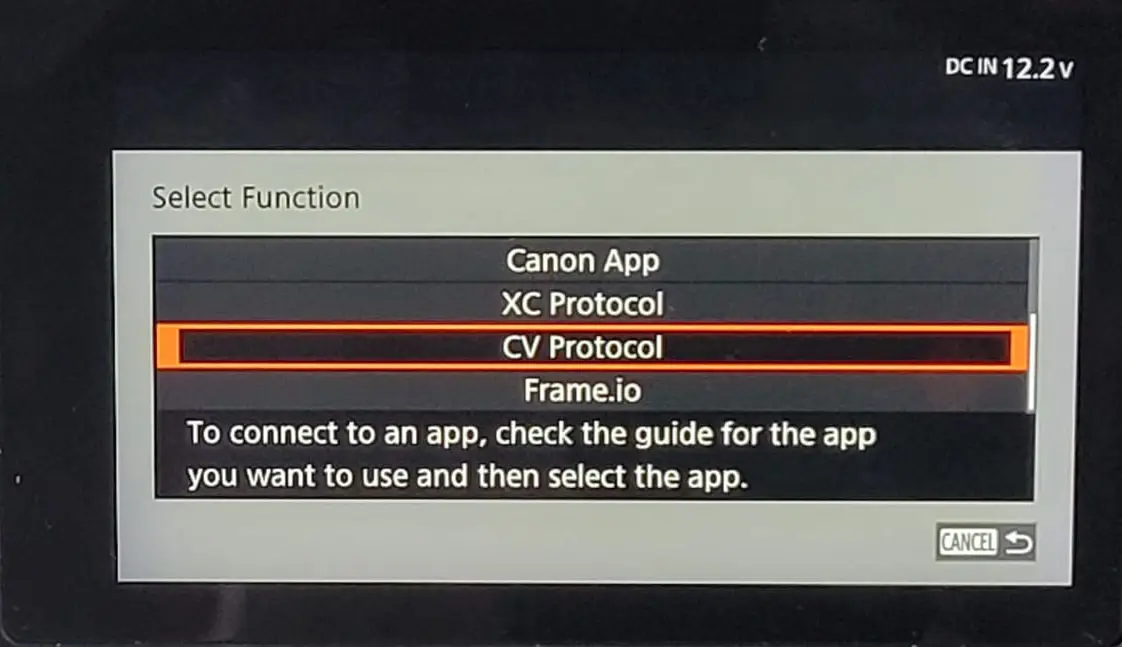
- select the Ethernet network type
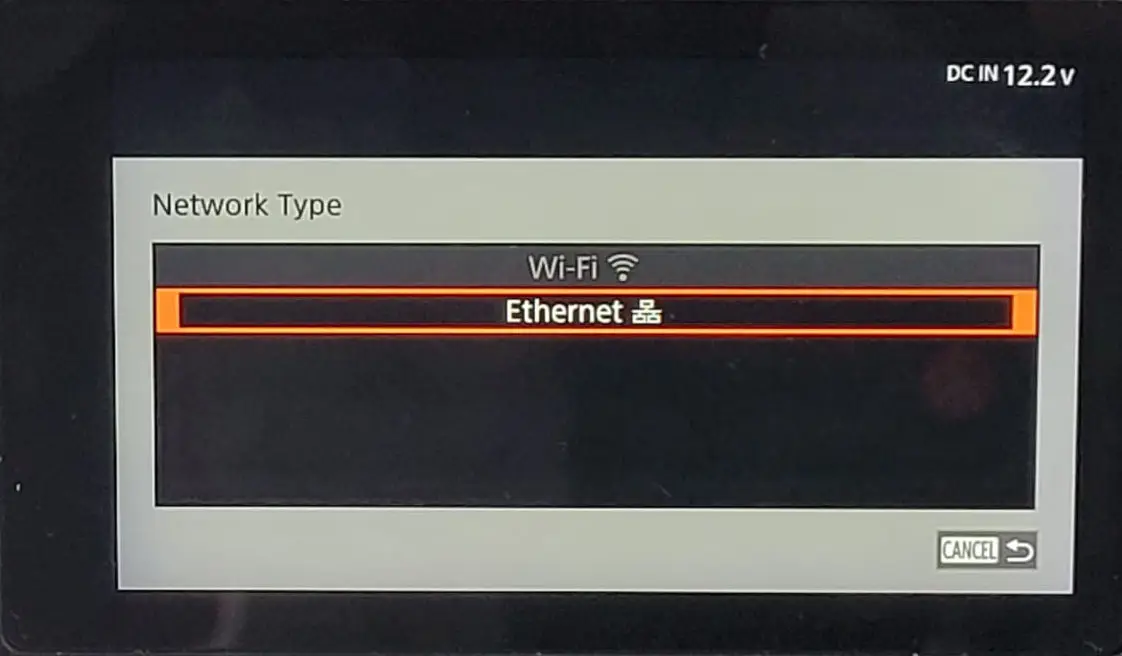
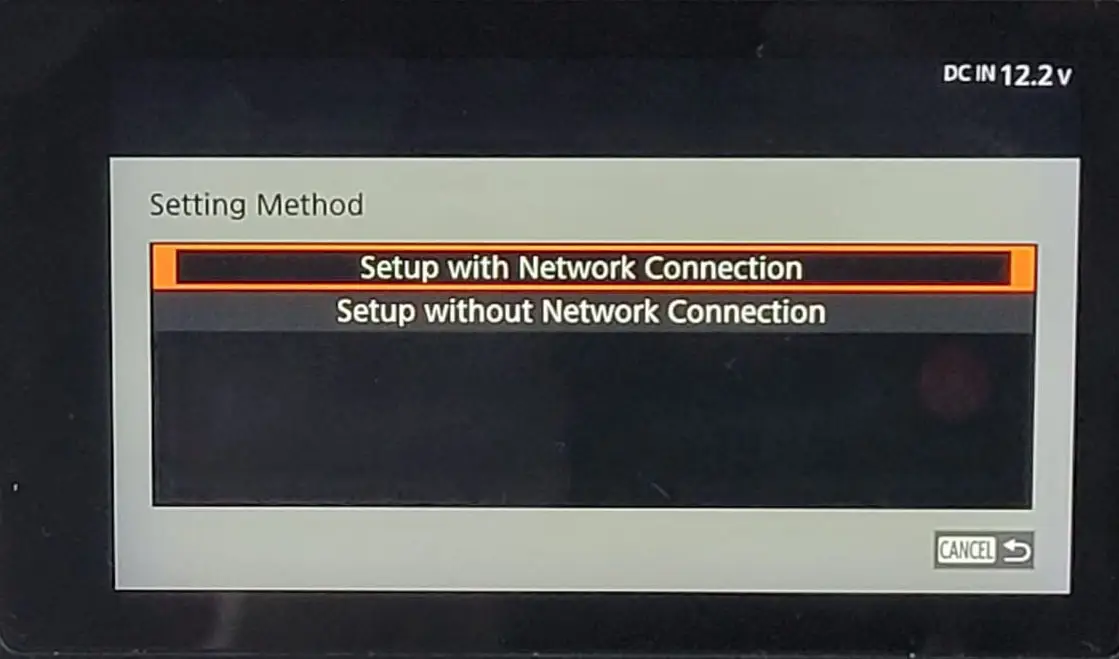
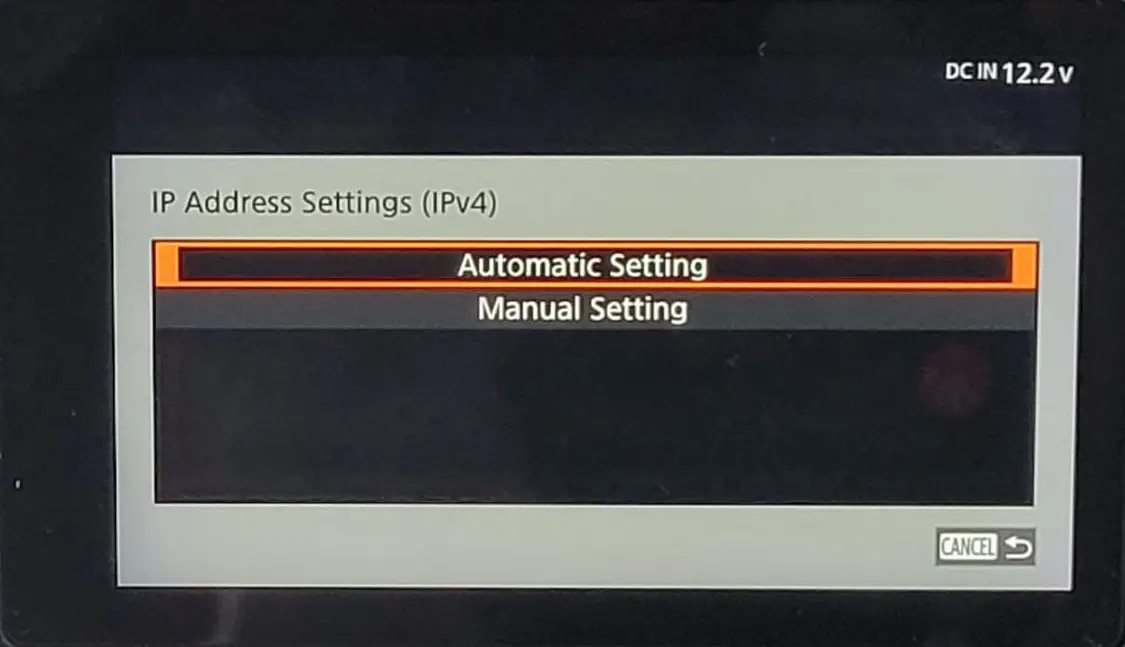
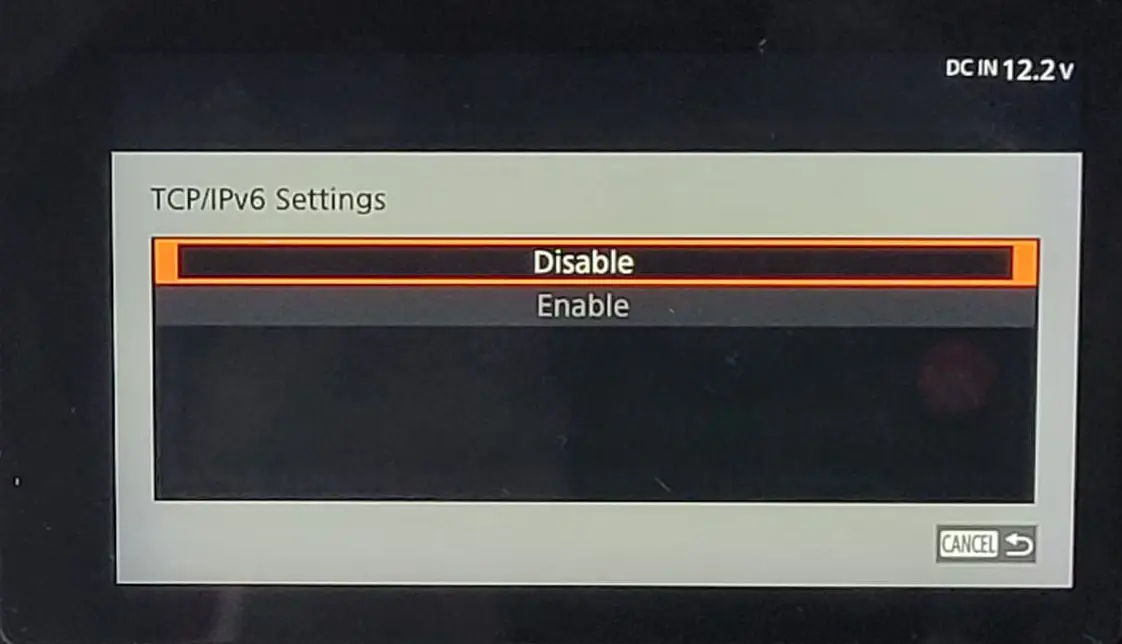
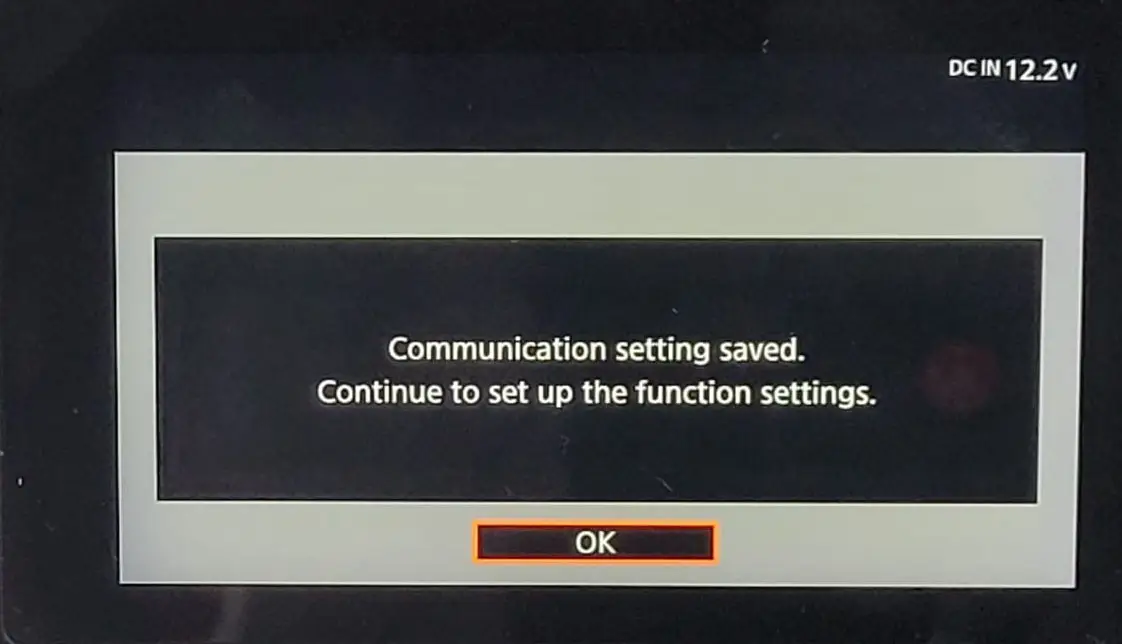
- create the CV Protocol setting
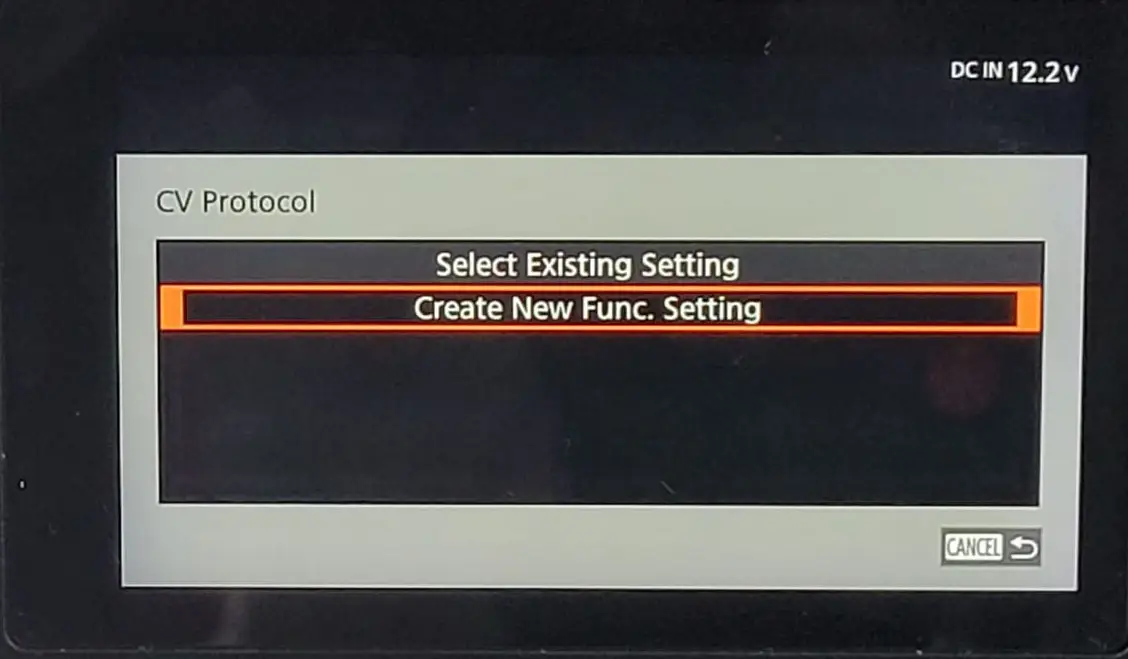
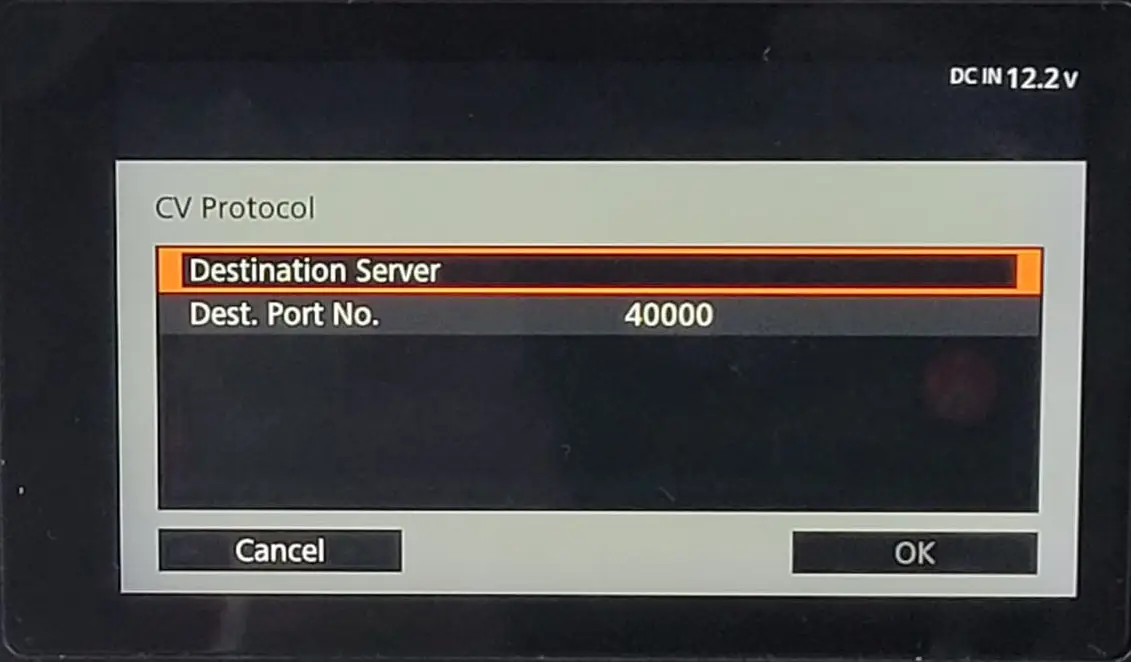
- edit the Destination Server parameter
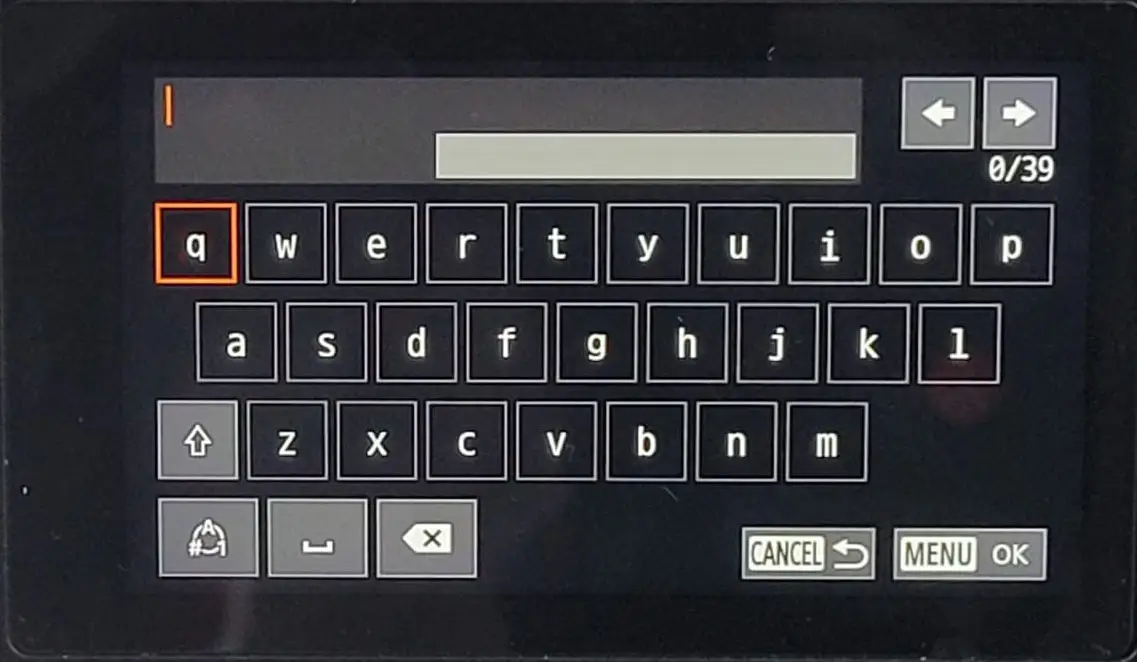
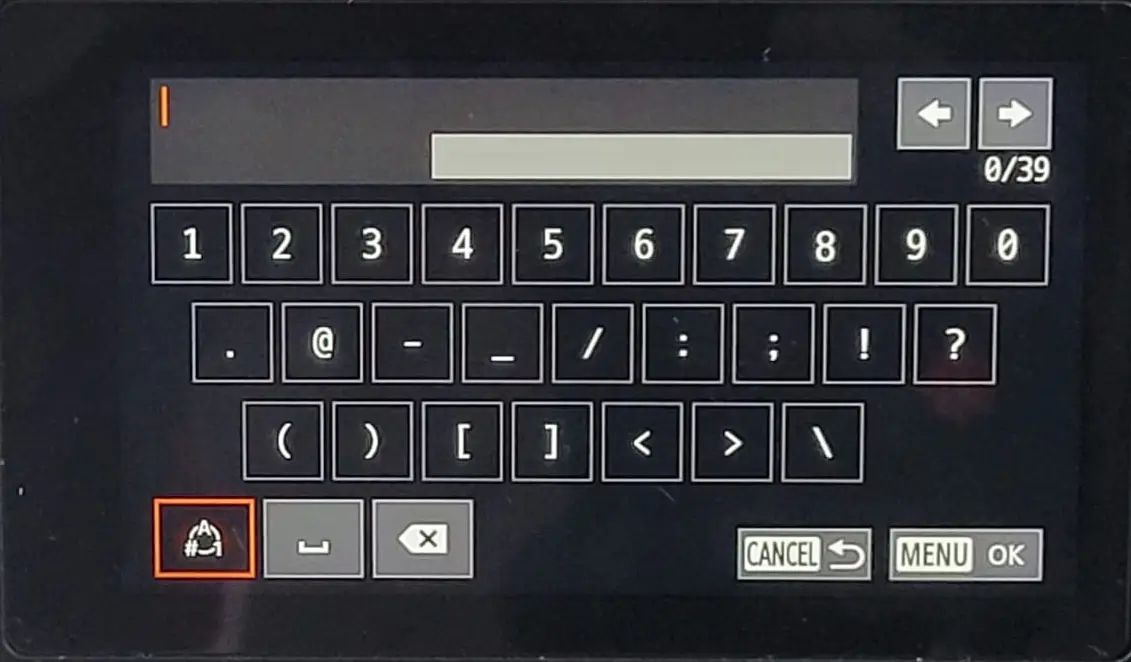
- enter the IP address of your RigFX box
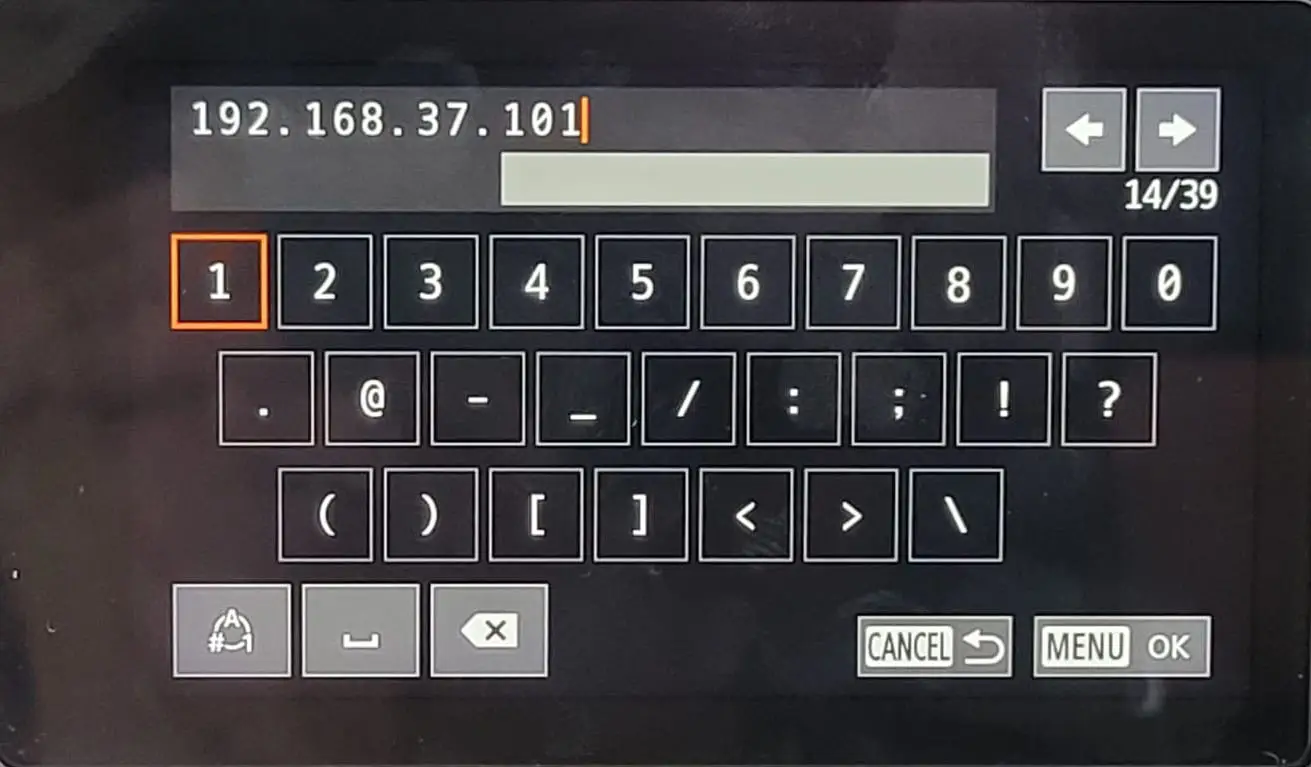
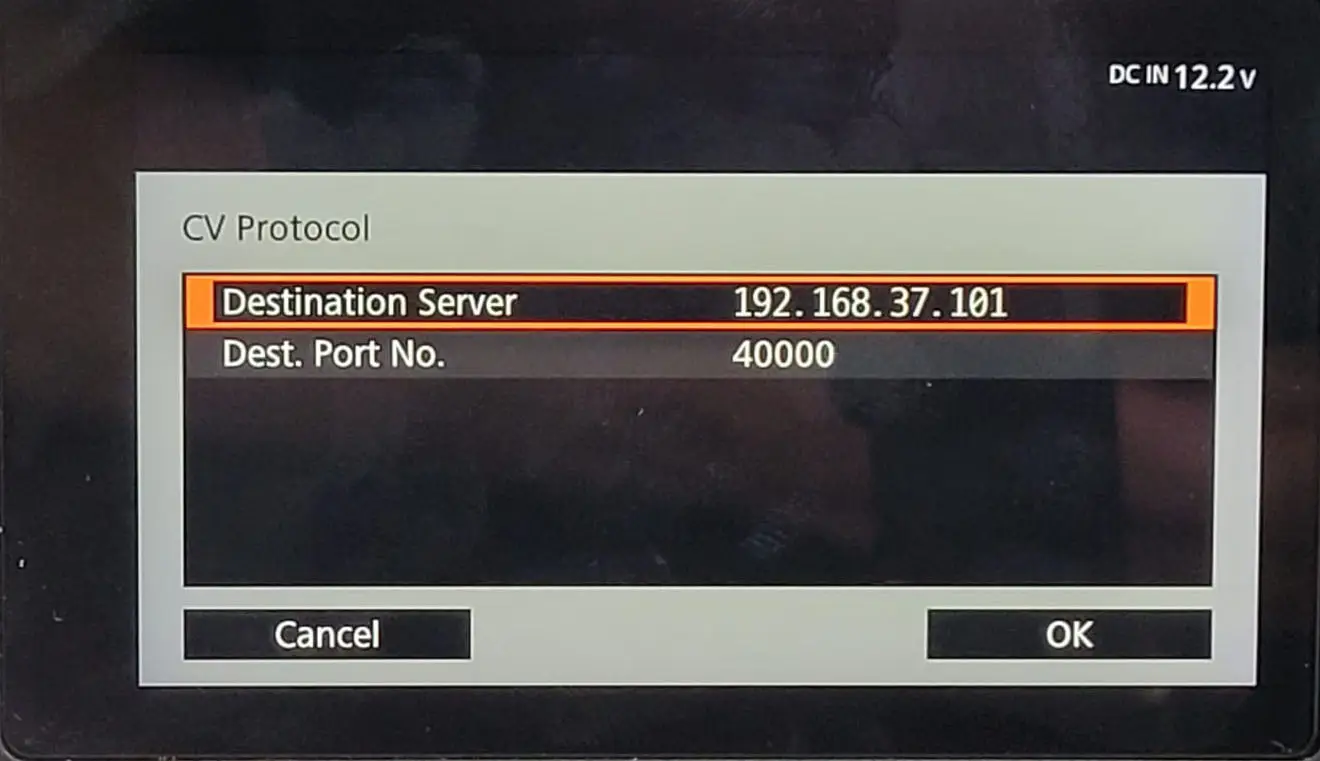
- choose the OpenLensIO mode
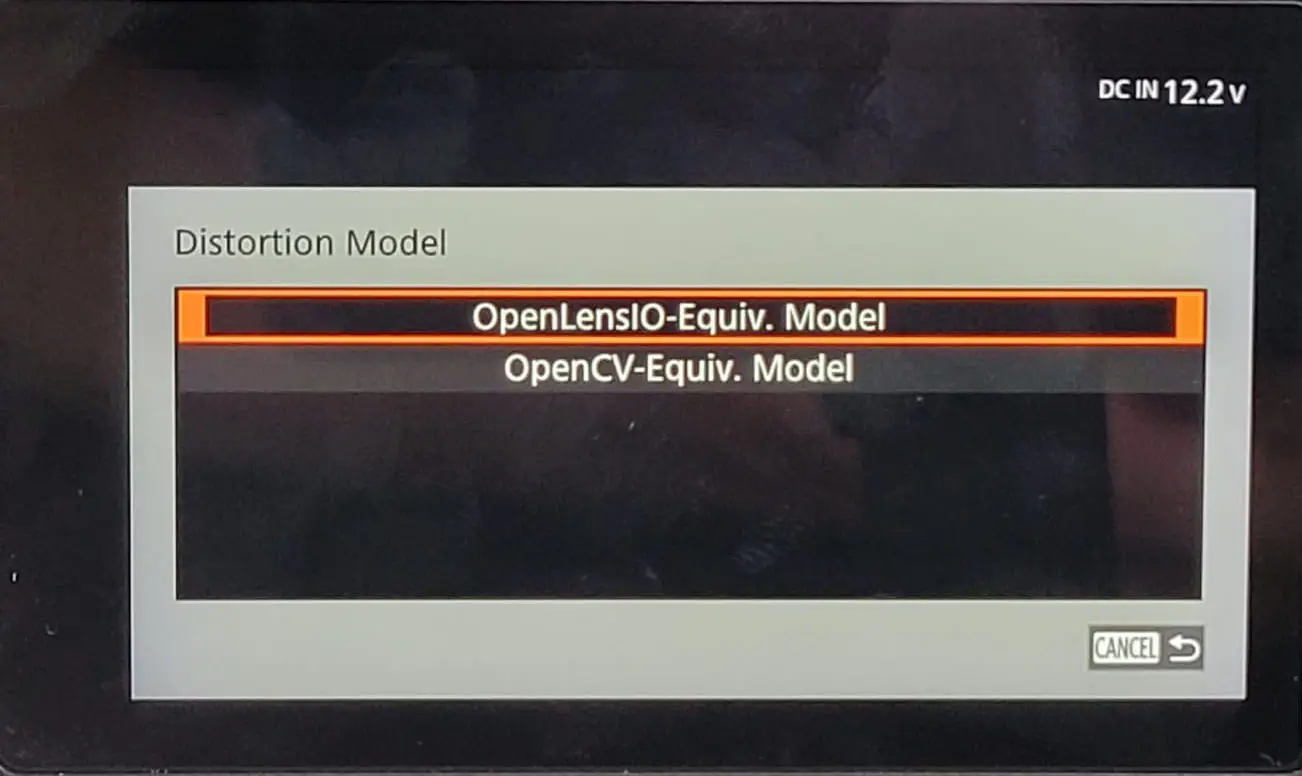
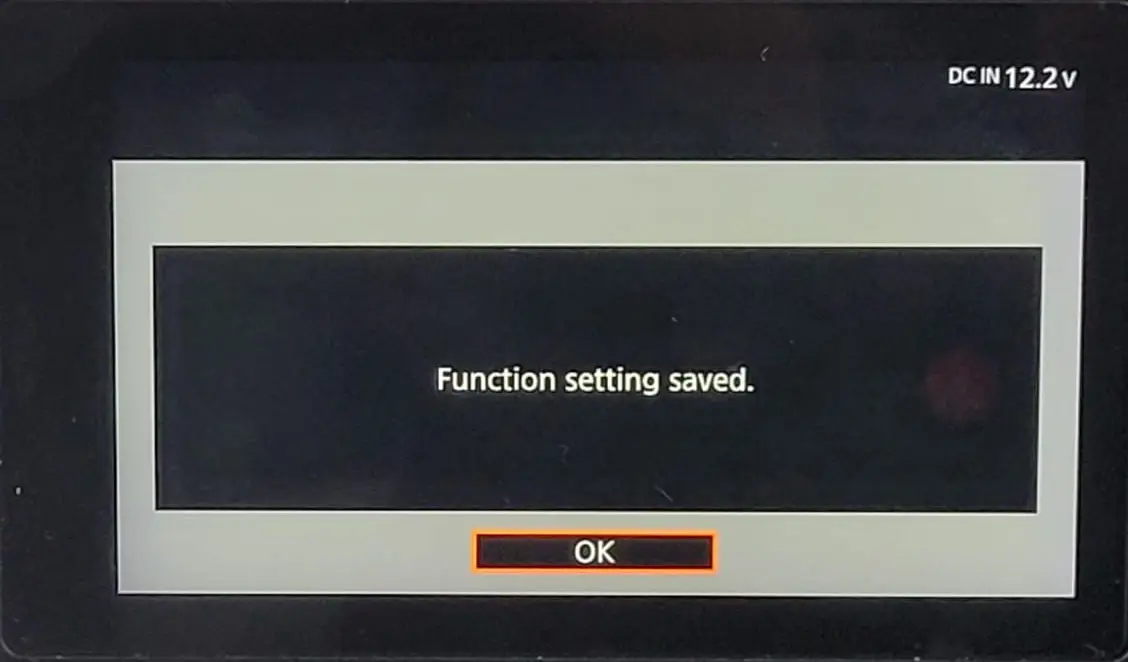
- save your configuration to an empty slot
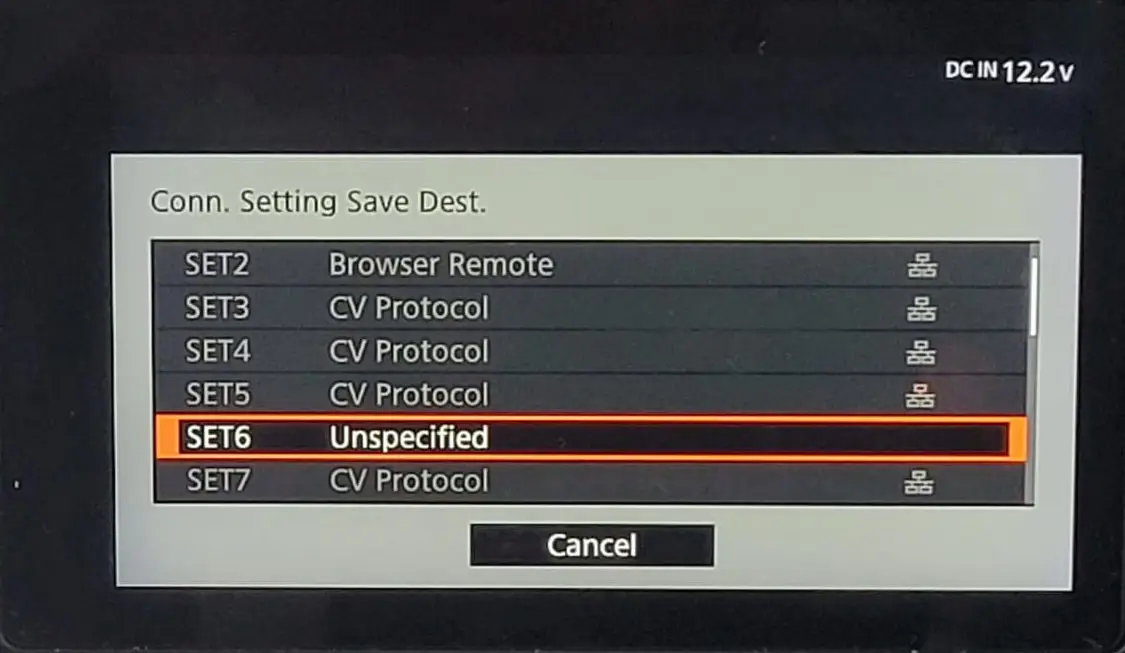
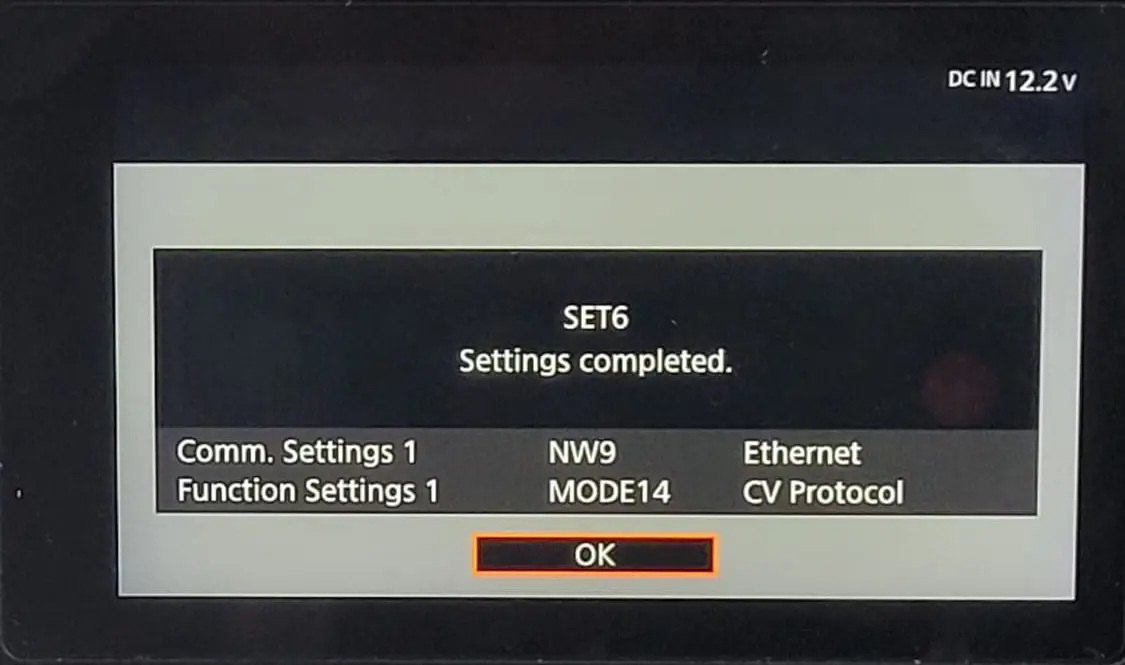
- check your configuration is active
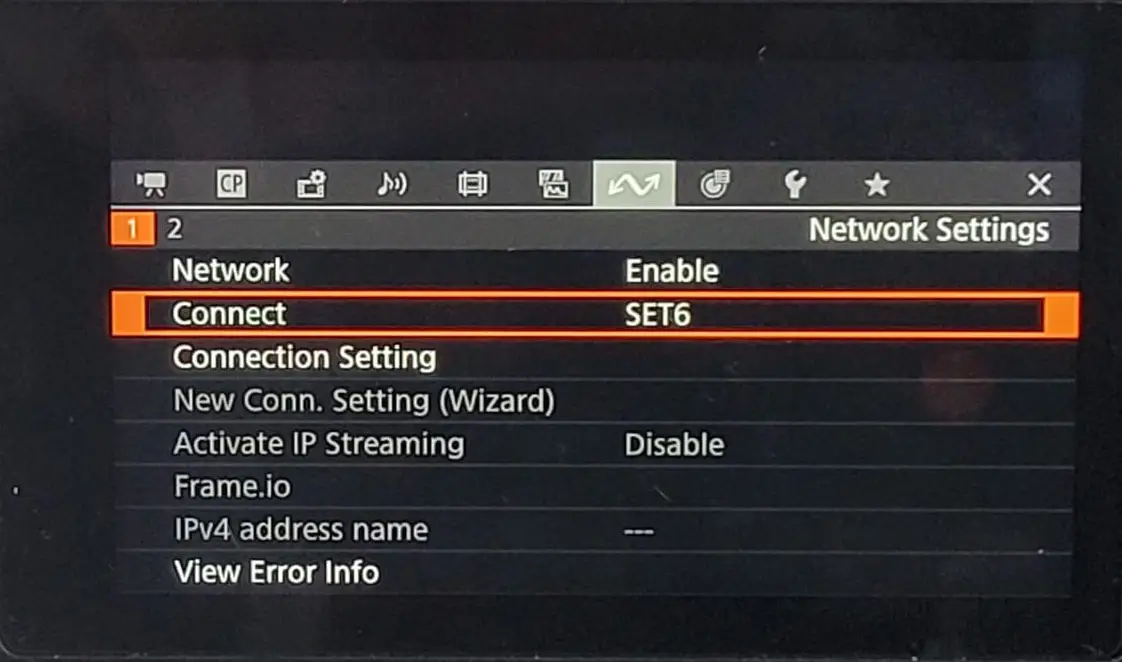
2. On RigFX
- go to Settings / Source / CanonCV Source
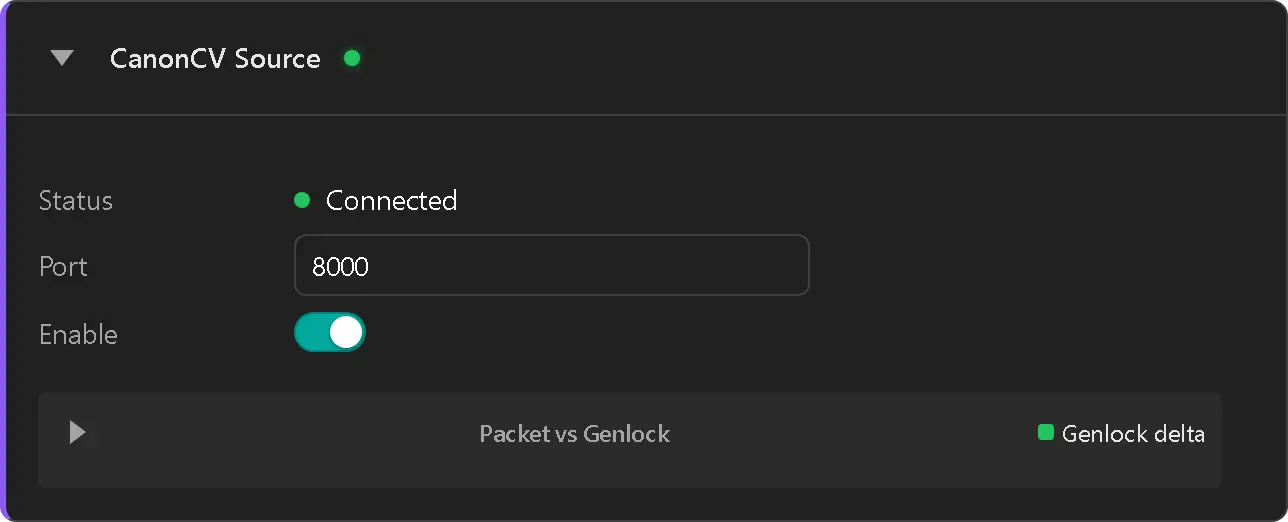
- enable the source
- Status label switch to Connected (green dot)
- Check data packet reception on the graph panel
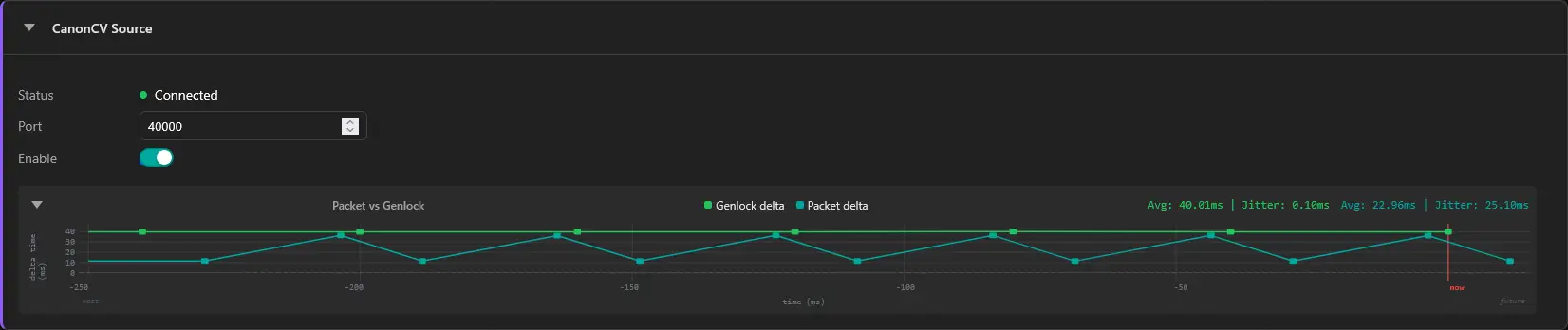
if the Canon camera is configured in OpenCV mode instead of OpenLensIO a warning will be diplayed
