Lens FIZ
1. On RigFX
- go to Settings / Source / Lens FIZ Source
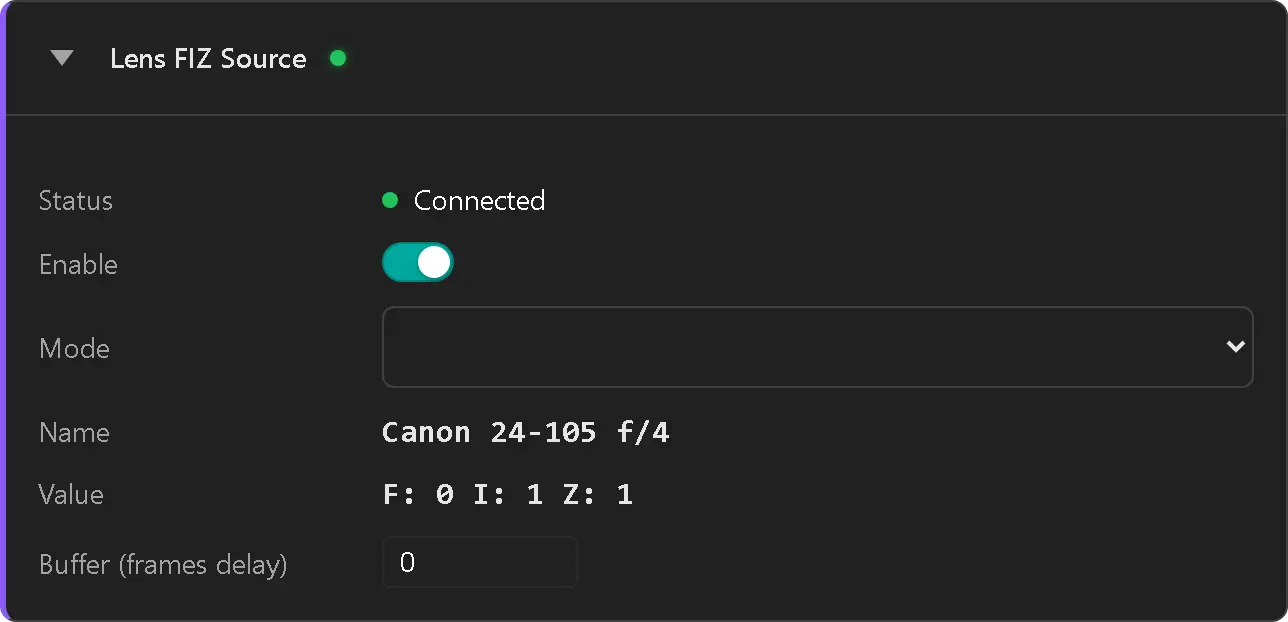
- enable the source
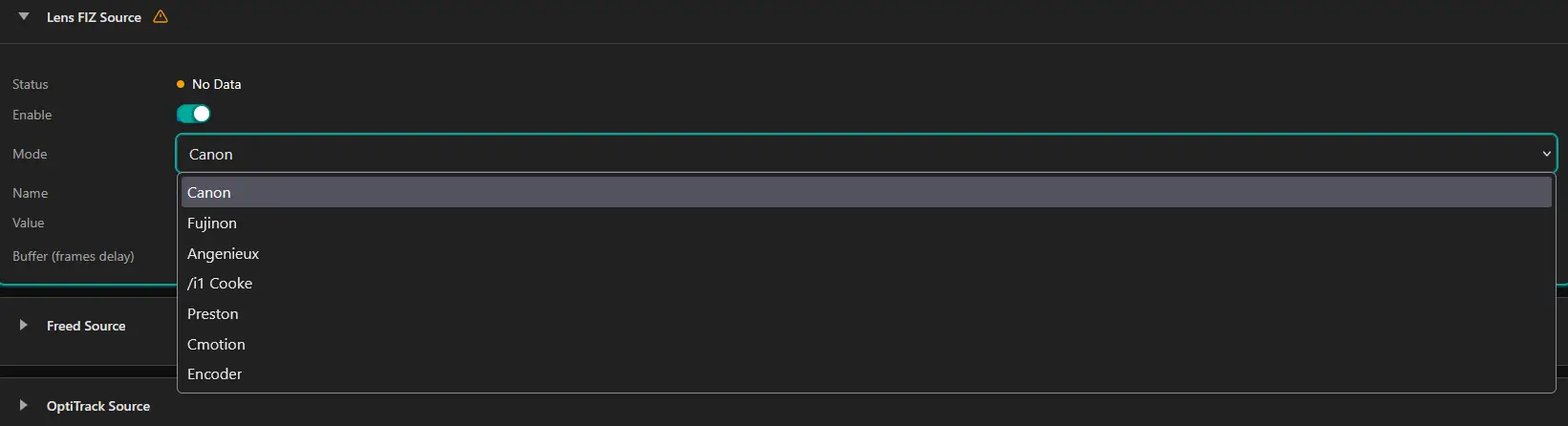
- set Mode to:
- Canon
- Fujinon
- Angenieux
- /i Cooke
- Preston
- Cmotion
-
Encoder
- Status label switch to Connected (green dot)
- FIZ values are displayed in realtime

Encoder