Workflow Overview
CalibFX Lens is a tool to calibrate the field of view, focus distance, distortion coefficients and the nodal offset in order to reproduce the intrinsic characteristics of the physical camera-lens assembly in a render engine.
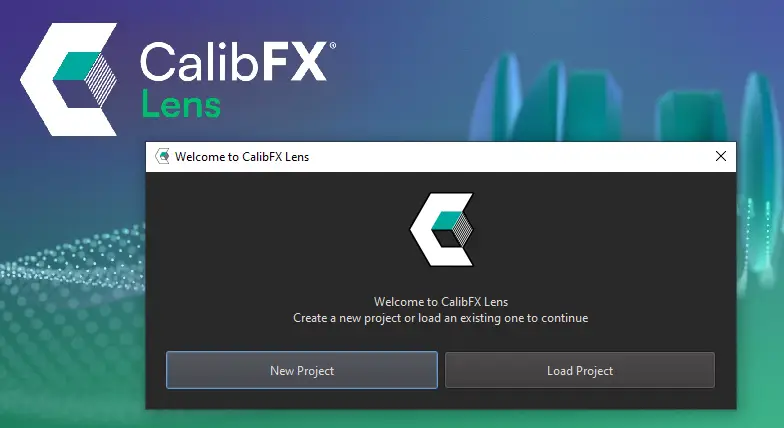
When you launch the software, you will be prompted to either create a new project or load an existing one.
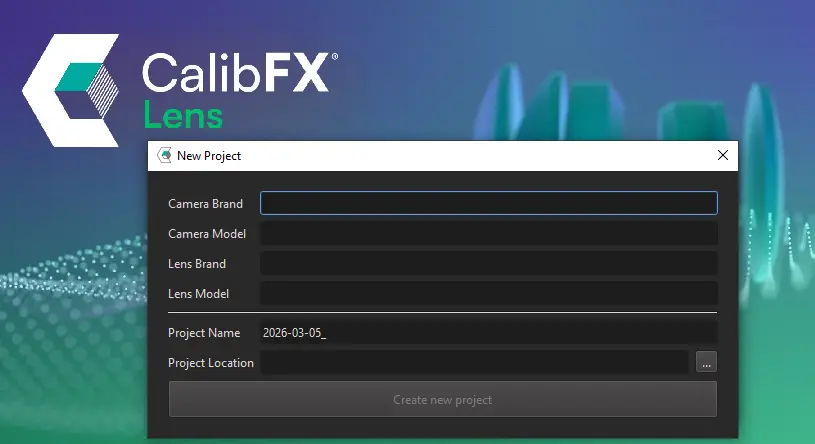
If you create a new project, you will have to enter some informations about the camera and lens you want to calibrate as well as the location at which you want to save your project. You can also enter a custome project name if you don't like the generated one. You can then start the calibration of your lens.
A Calibration is done in 4 steps:
- Configure: The video and tracking inputs are set up here.
- Capture: The user takes many pictures of the boards filmed by the camera at various zoom and focus values and performs some measurements.
- Process: The software process all the pictures. The processed data is displayed with graphs.
- Export: The data is baked and exported to a file compatible with a specific render engine.
These steps are illustrated and navigated through with the 4 buttons at the top of the window:
