Export For KST CamBot
Choose KST CamBot export in CalibFX Lens:

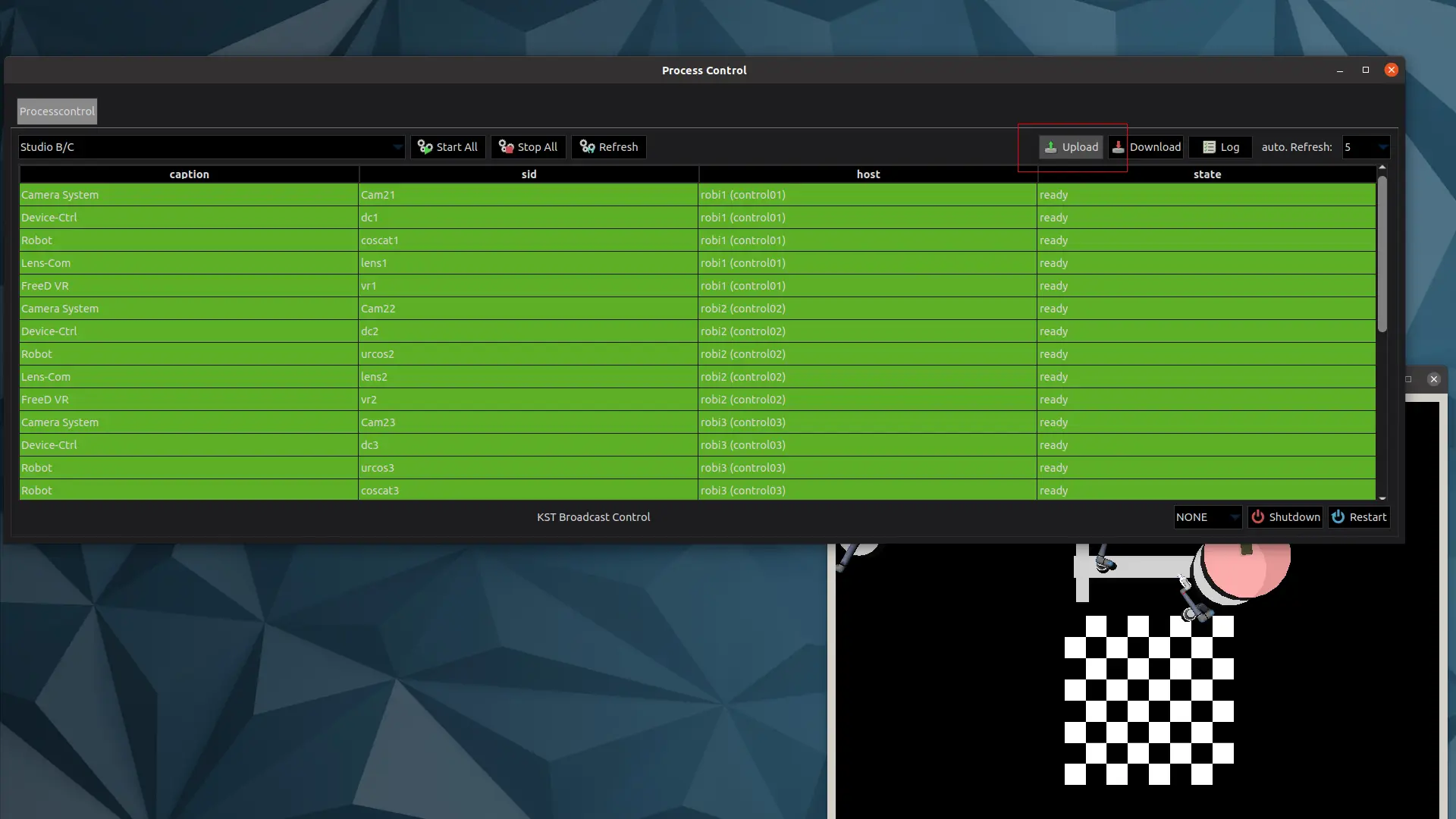
Open the CamBot Process Control window and click on the Upload button in the top right corner:
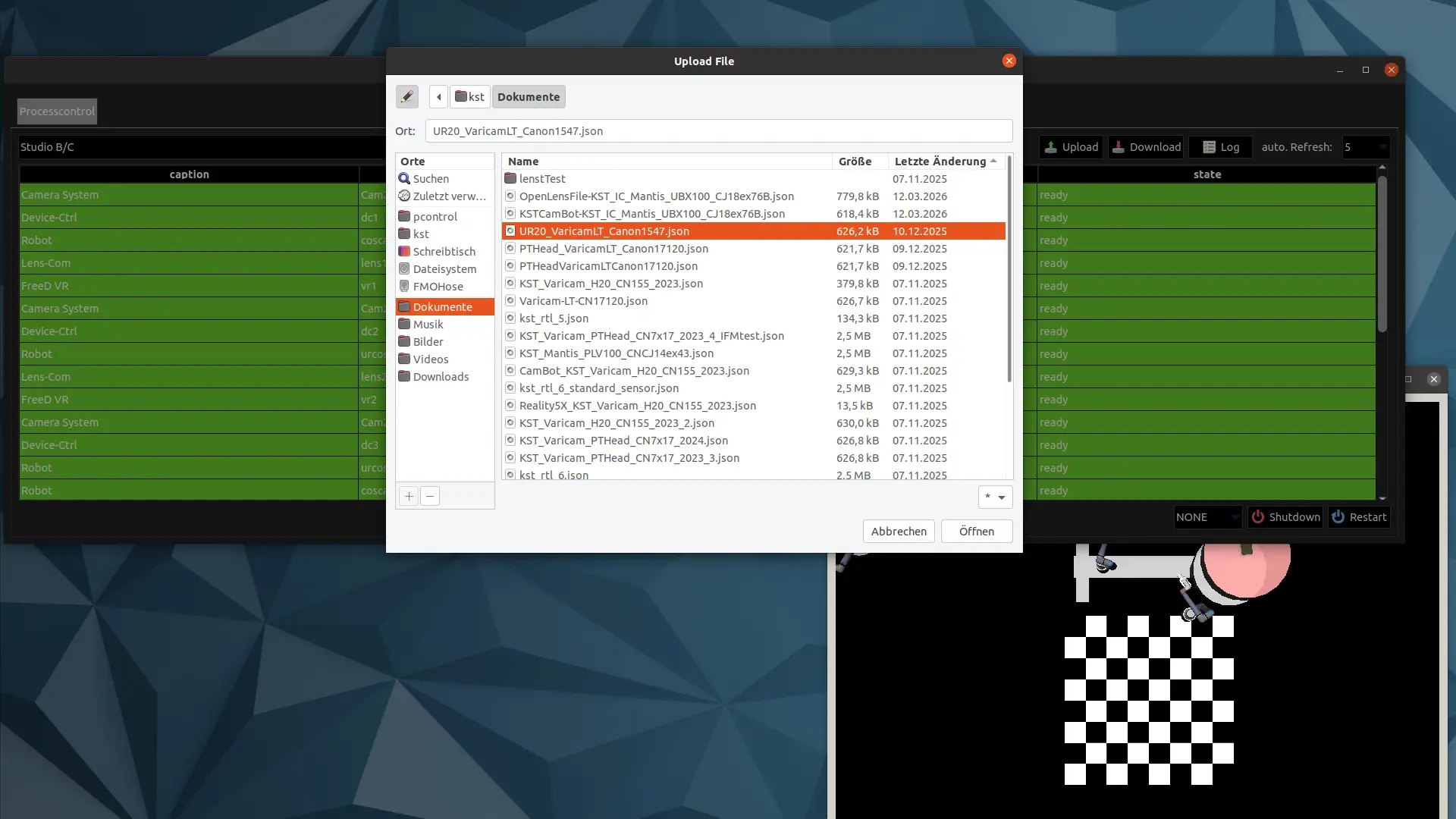
Select and open the corresponding Lens File export (KST JSON format) for the camera system:
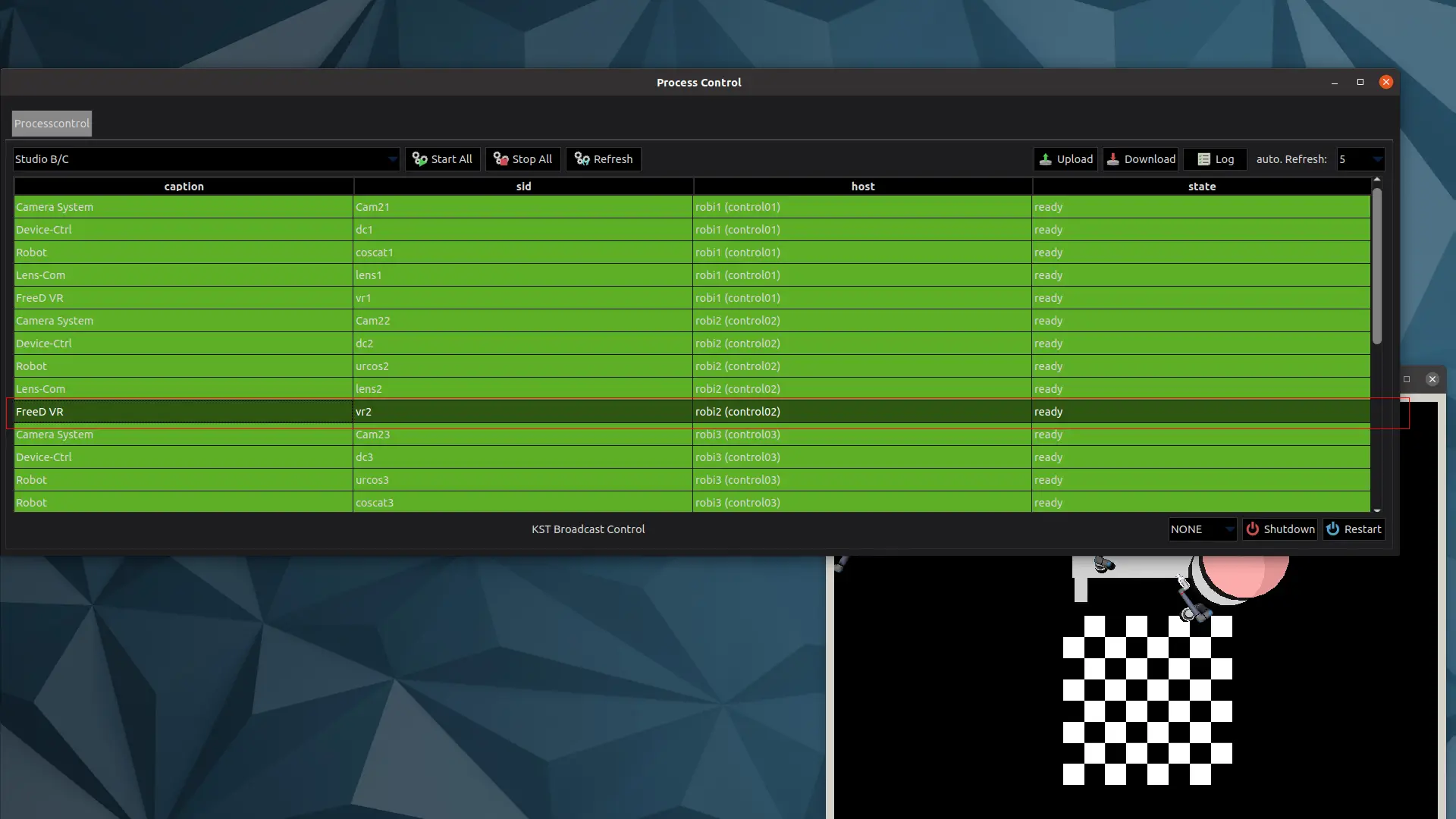
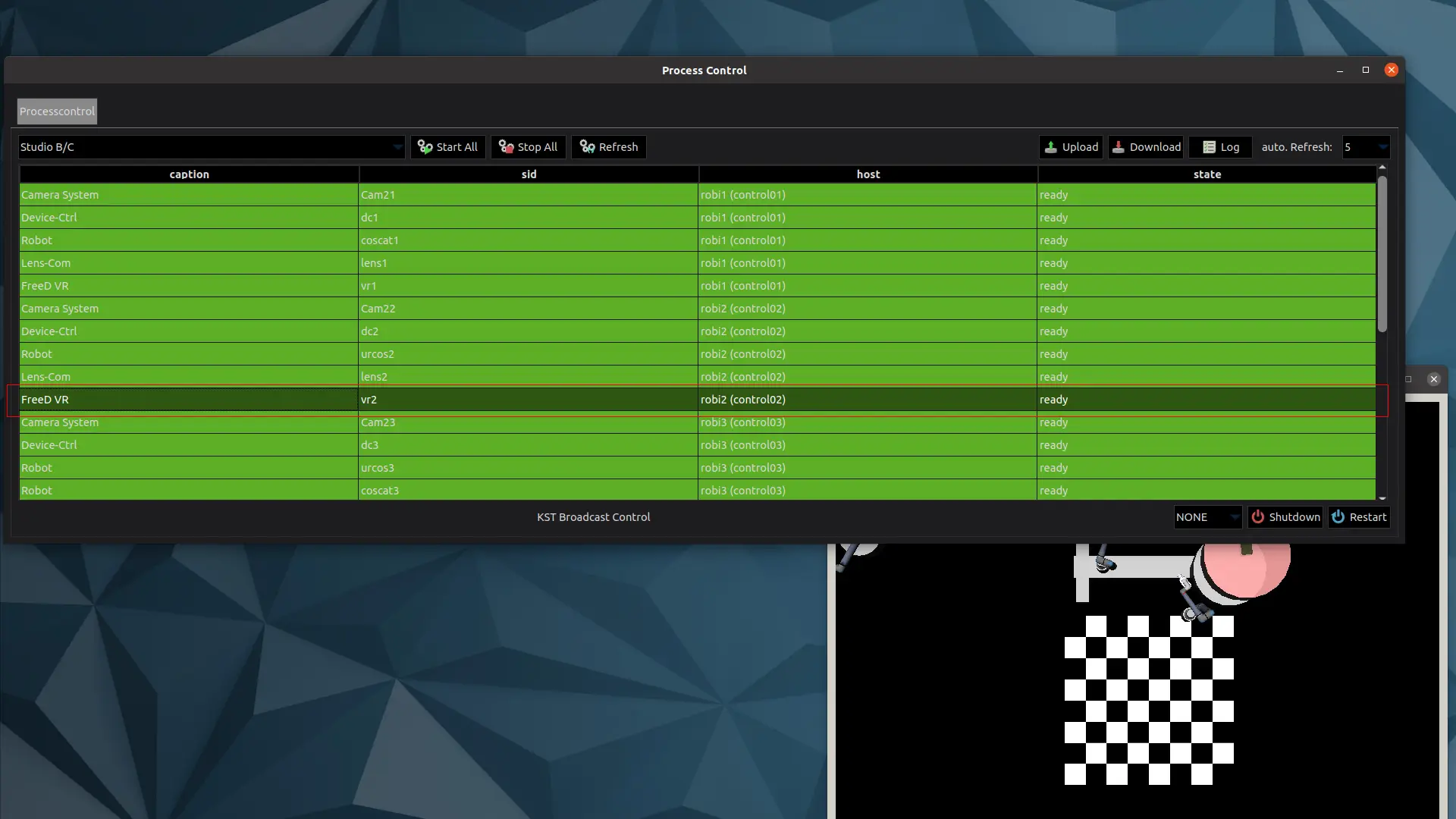
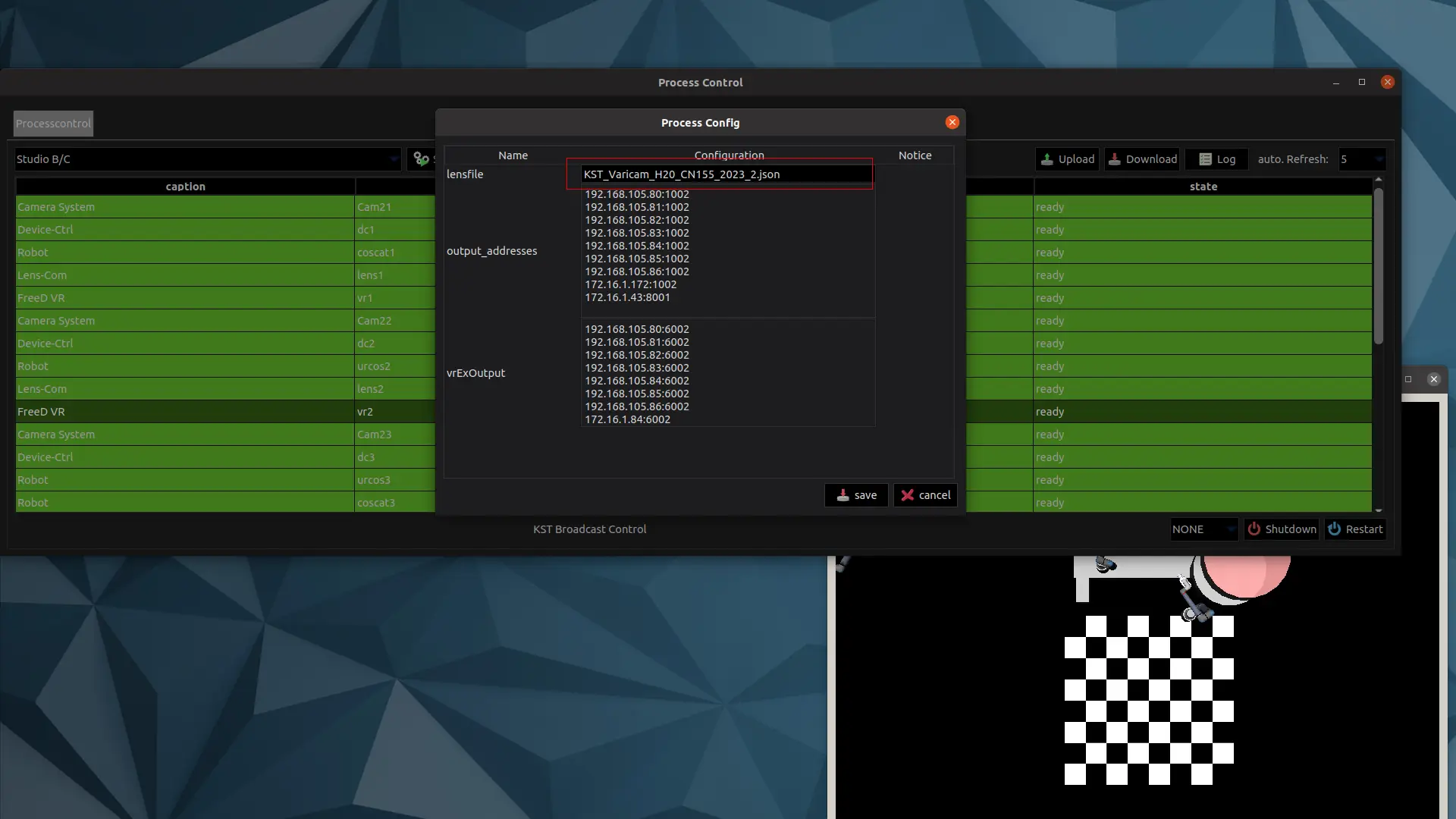
After uploading, select the tracking process of the corresponding camera system, right-click, and choose Show configuration:
At the top, in the Lens File field, enter the name of the newly uploaded Lens File and save:
Select the tracking process of the corresponding camera system again, right-click, then stop the process and start it again so the changes take effect: