Export For Aximmetry
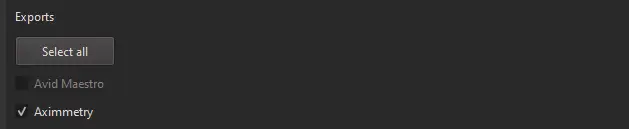
Choose Aximmetry export in CalibFX Lens:
(Optional) Store the Lens File in Aximmetry
It is possible to store the lens file in Aximmetry's application data to access it faster later.
Copy the .XML file generated by CalibFX Lens to
%APPDATA%\Aximmetry\__CalibrationProfiles
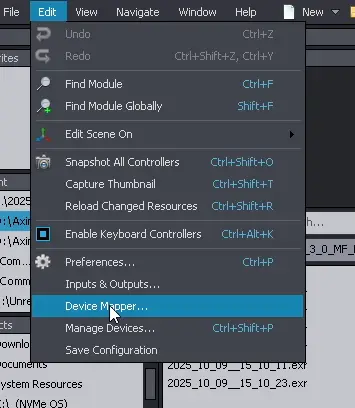
Open the Edit -> Device Mapper... menu:
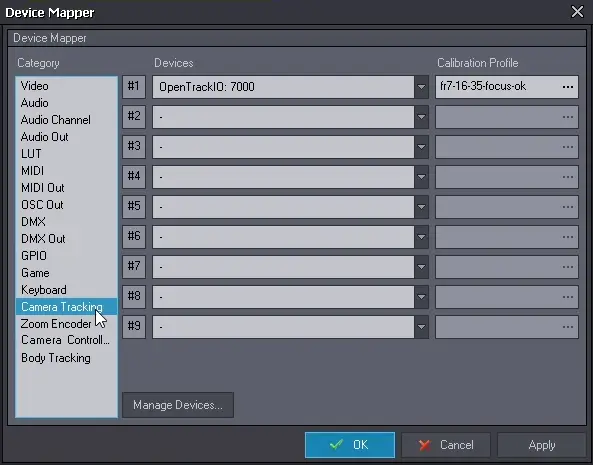
Navigate to the Camera Tracking section:
If the desired Tracking Source does not Exist
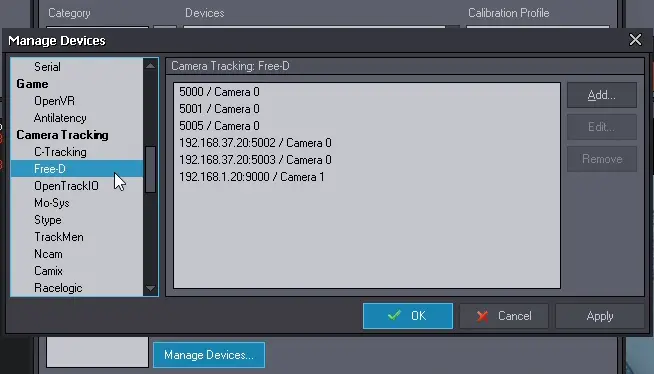
Click on Managa Devices....
Navigate to the Camera Tracking tab and add a new tracking source:
Select the new source in the device mapper:
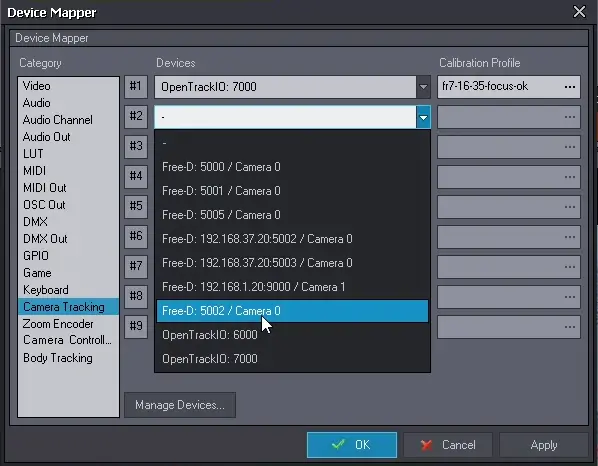
Click on the "..." button on the right to select a lens file for this source:

If you stored the lens file in the __CalibrationProfiles directory, it should appear in the drop-down menu and you can select it directly:
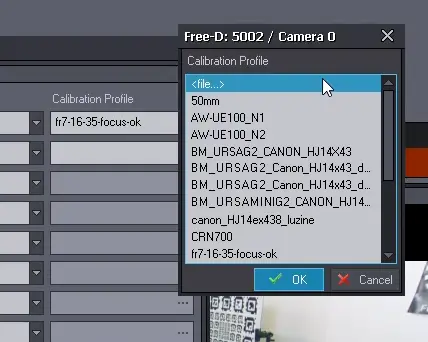
If not, you can press <file...> and navigate to the lens file.
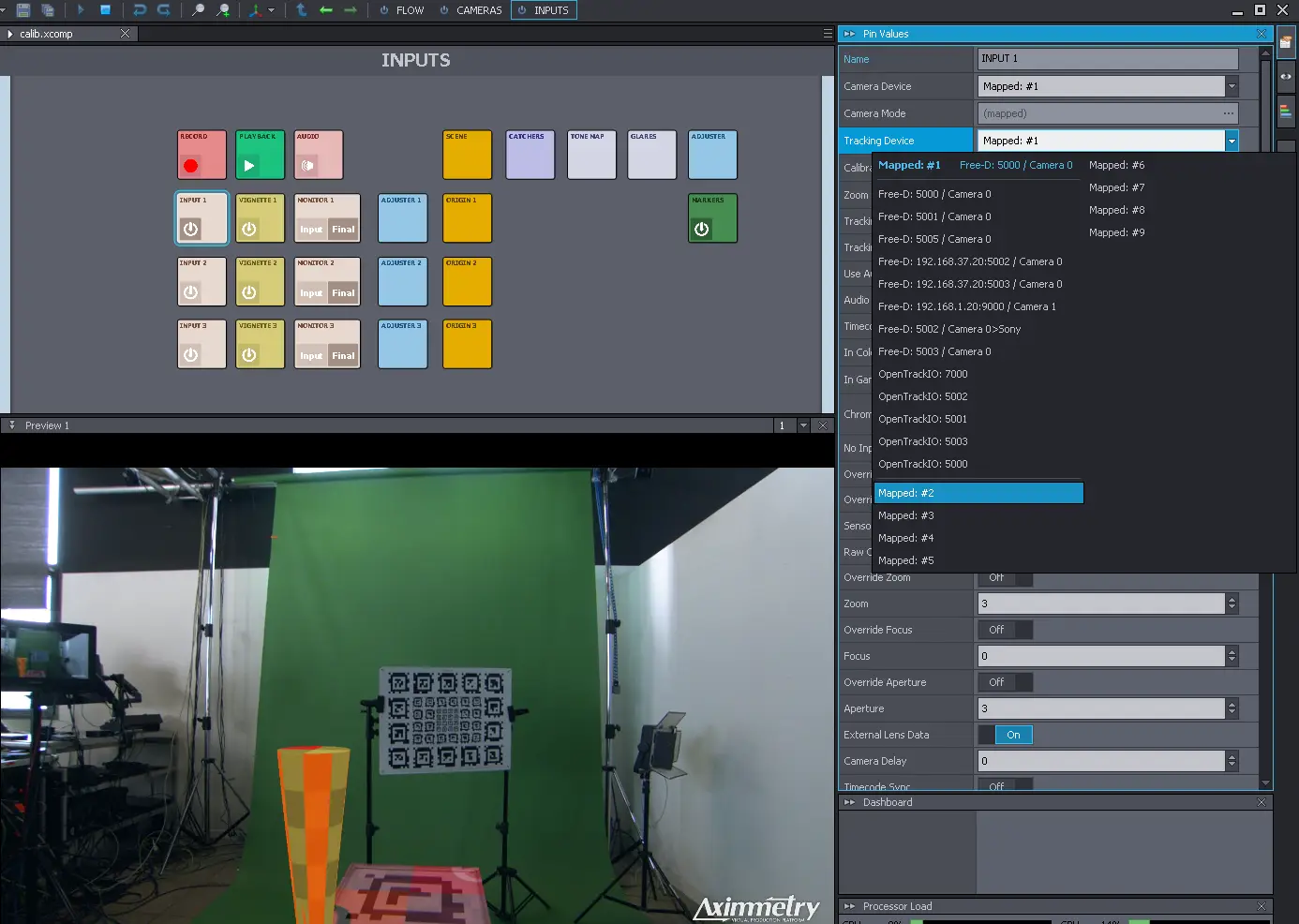
Don't forget to select the tracking source (here Mapped #2) in the INPUTS workspace, in the camera you want to use this tracking for:
And make sure Lens Distortion is enabled in the Scene node:
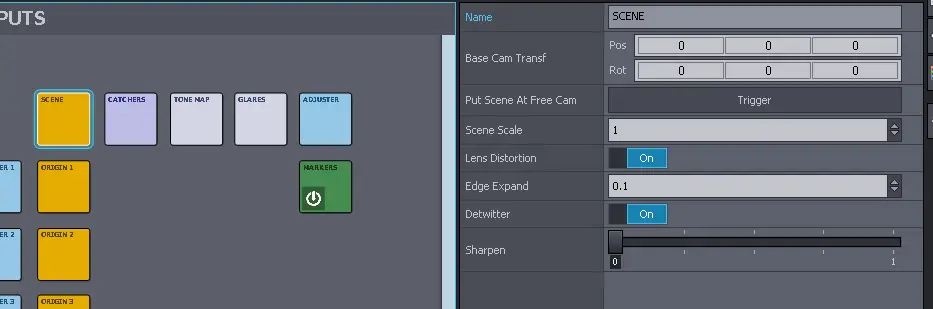
If you notice holes on the sides of the image, increase Edge Expand until they completely disappear. This will increase the resolution of the render target, making pixels available to fill the holes, at the cost of performance.