Export For ClassX
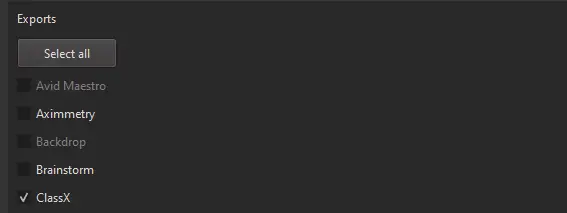
Choose ClassX export in CalibFX Lens:
(Optional) Store the Lens File in ClassX
It is possible to store the lens file in ClassX's shared data to access it faster later.
Copy the .CSXLENS file generated by CalibFX Lens to
C:\ClassX_Applications\shared\lensprofile
In the LiveBoard software, go to Preferences -> Tracking Manager.
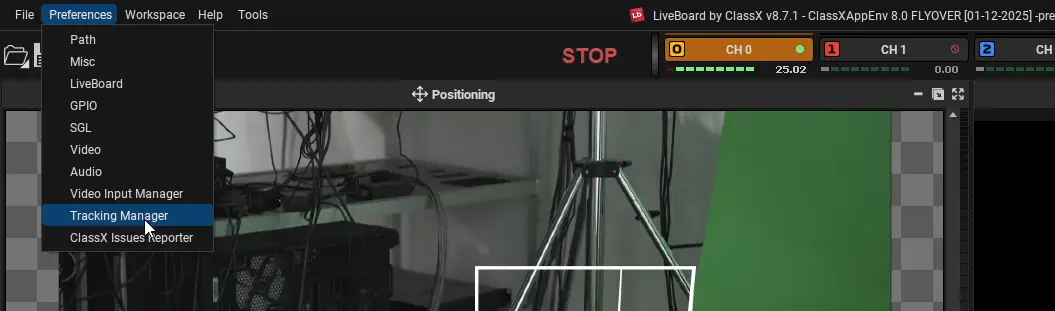
Find the line of your camera and click the upload button in the Lens Profile cell:

If you stored the lens file in the shared\lensprofile directory, it should appear directly, otherwise browse to its location:
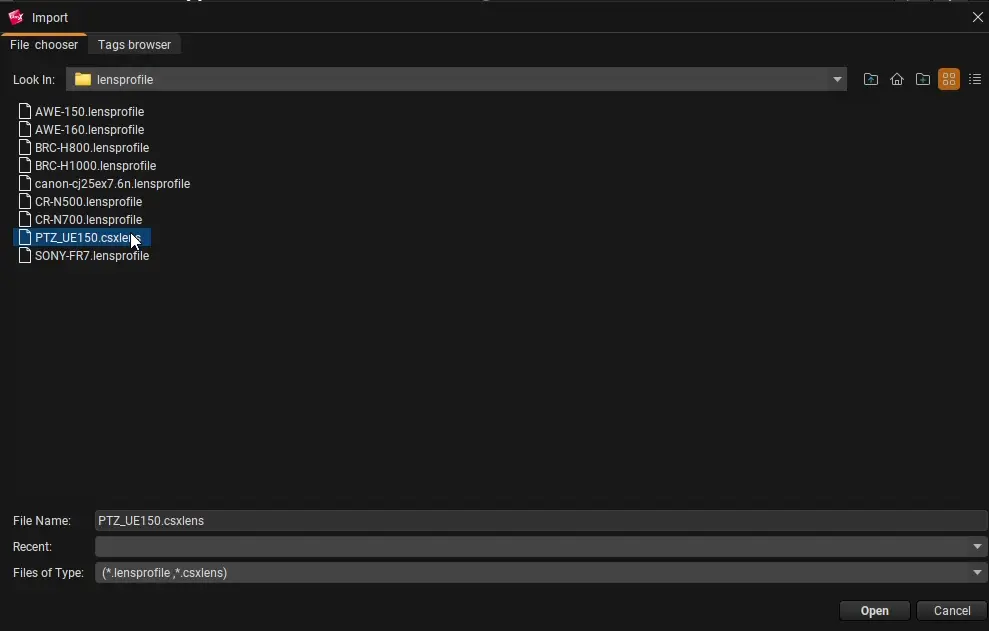
Select the .CSXLENS file and press open.
Press the Play button at the very right of the Tracking Manager line for your camera:

The circle should be green and the two dots should blink black and red indicating data is being received.